❌

Reading view

How to Create a Secure WordPress Staging Site: Beginner’s Guide
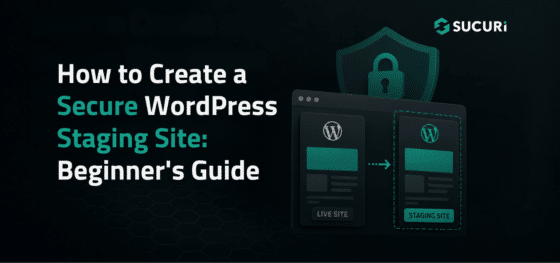
How to Create a Secure WordPress Staging Site: Beginner’s Guide

Updating WordPress directly on a live website can cause avoidable problems. A plugin update might break checkout, or a theme change could create layout issues visitors see immediately.

A WordPress staging site gives you a separate place to test changes before they reach your live website.

Staging reduces operational risk, but it also creates another website that needs protection. A copied site may contain administrator accounts, customer records, API keys, or vulnerable software.

Continue reading How to Create a Secure WordPress Staging Site: Beginner’s Guide at Sucuri Blog.
  •  

WordPress Site Down? Here’s How to Get Back Online

WordPress Site Down? Here’s How to Get Back Online

If your WordPress site goes offline, every minute costs you lost sales, missed leads, and a dent in visitor trust. Search engines may start flagging errors, and customers see a blank page instead of your business. In that moment, the pressure is real:

What broke, and how do you get back online before the damage adds up?

The good news is that most WordPress outages are fixable. In most cases, your site isn’t lost, it’s blocked by something like a plugin conflict, server hiccup, database error, expired domain, SSL problem, sudden traffic spike, or malware infection.

Continue reading WordPress Site Down? Here’s How to Get Back Online at Sucuri Blog.

  •  
❌