❌

Reading view

WordPress Site Down? Here’s How to Get Back Online

WordPress Site Down? Here’s How to Get Back Online

If your WordPress site goes offline, every minute costs you lost sales, missed leads, and a dent in visitor trust. Search engines may start flagging errors, and customers see a blank page instead of your business. In that moment, the pressure is real:

What broke, and how do you get back online before the damage adds up?

The good news is that most WordPress outages are fixable. In most cases, your site isn’t lost, it’s blocked by something like a plugin conflict, server hiccup, database error, expired domain, SSL problem, sudden traffic spike, or malware infection.

Continue reading WordPress Site Down? Here’s How to Get Back Online at Sucuri Blog.

  •  

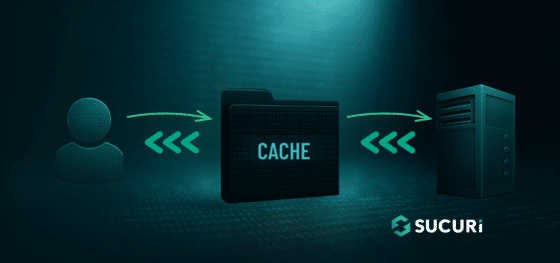
How to Choose WordPress Caching Options

How to Choose WordPress Caching Options

If you want a faster WordPress site, caching belongs at the center of your performance plan. It reduces the work your server has to do and turns slow, dynamic page builds into quick, static responses. On many unoptimized sites, that shift alone can reduce several seconds off page loads when paired with other best practices. The trick isn’t whether to cache but how to pick the right caching approach for your site’s content, traffic, and infrastructure.

Continue reading How to Choose WordPress Caching Options at Sucuri Blog.

  •  
❌