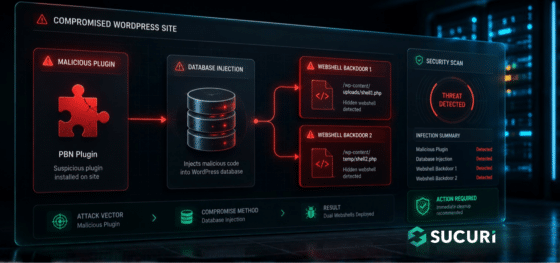
During a recent incident response engagement, our team uncovered a multi-stage WordPress infection that goes beyond the usual file-based malware. The attacker combined a fake plugin, a remote command-and-control server, and two PHP web shells stored directly inside the WordPress database.
The campaign is operated by a Turkish-speaking threat actor and is built around a classic SEO monetization scheme: hidden backlink injection for a Private Blog Network (PBN), most likely tied to the gambling and adult affiliate niche.
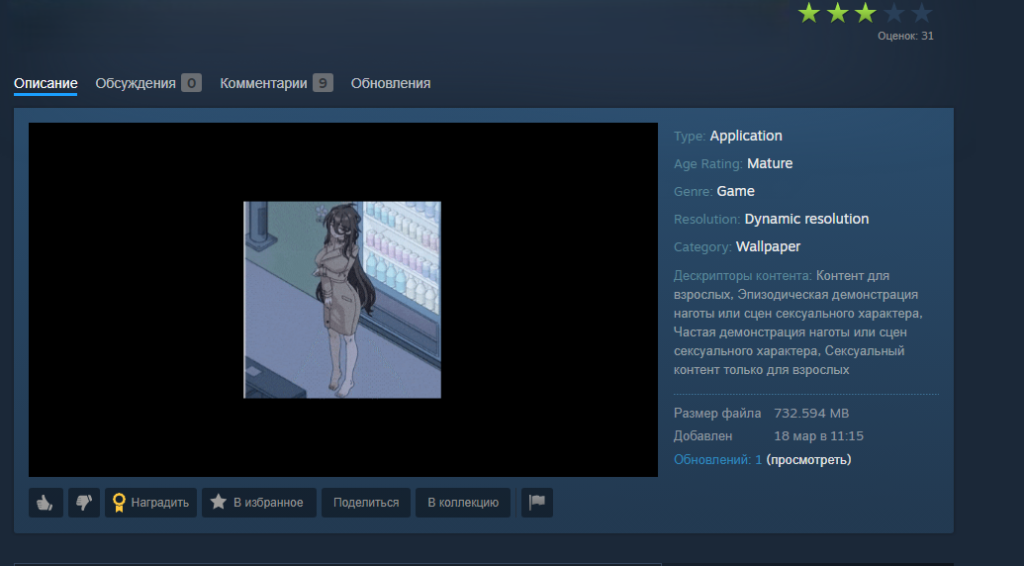
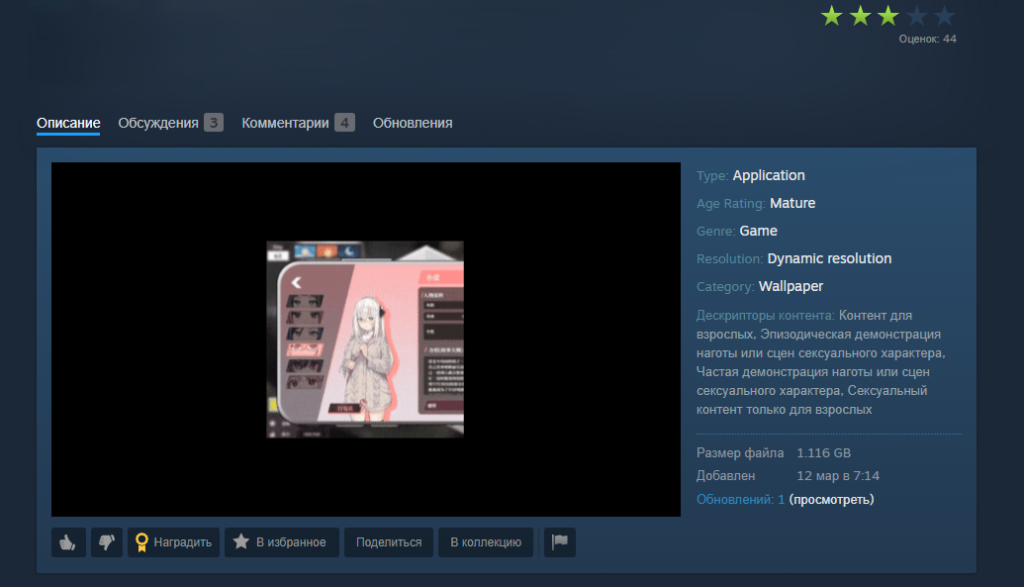
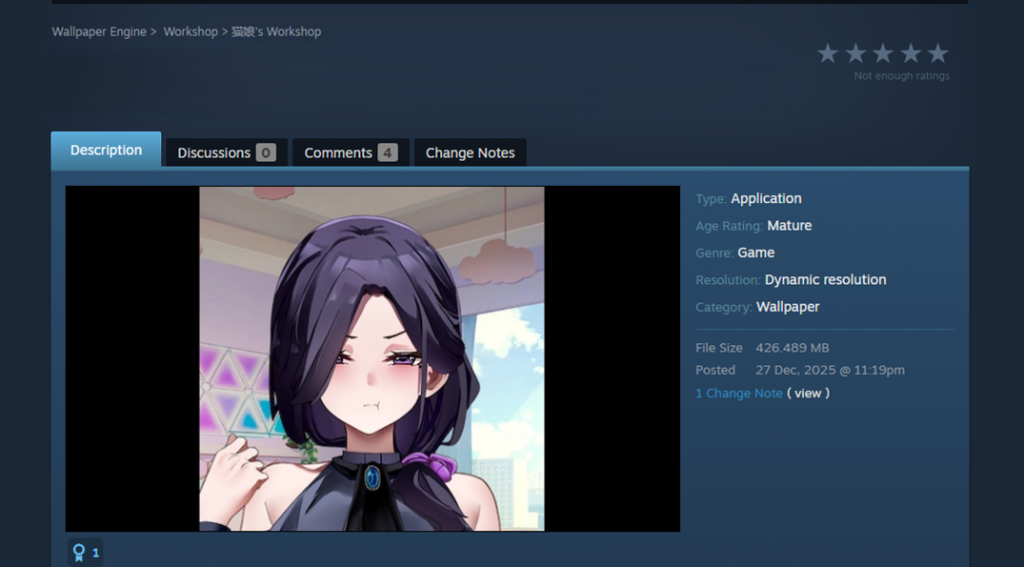
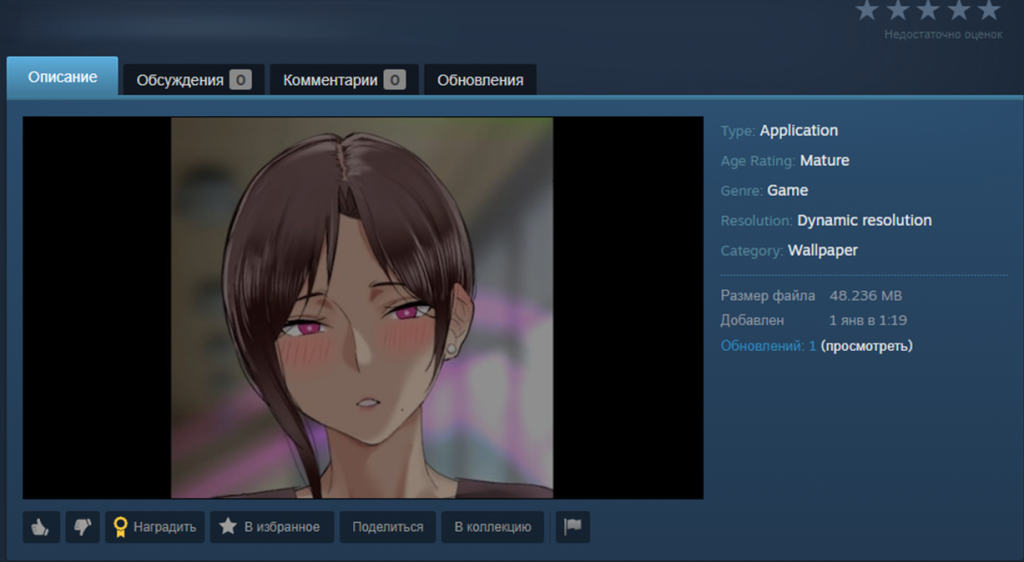
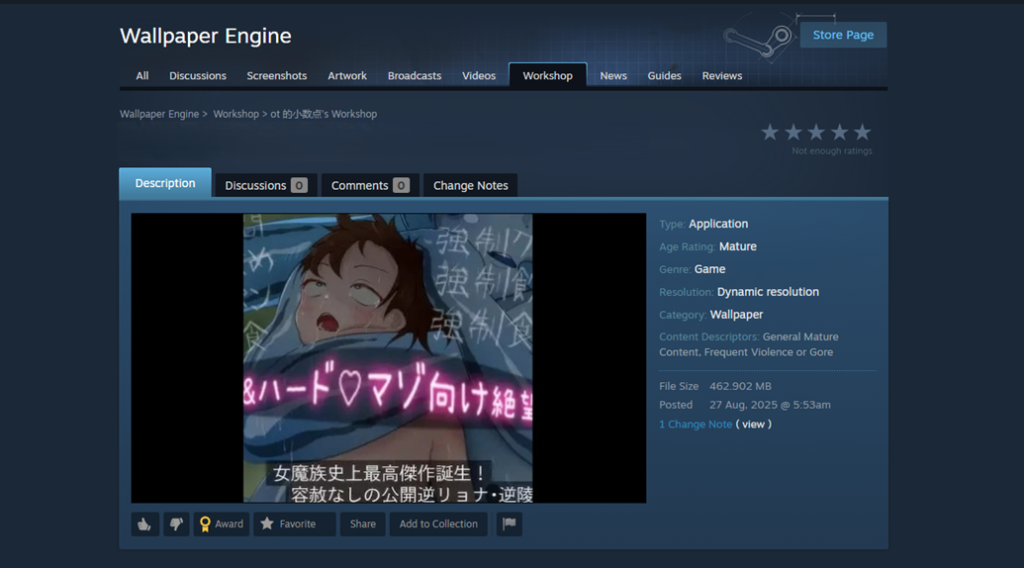
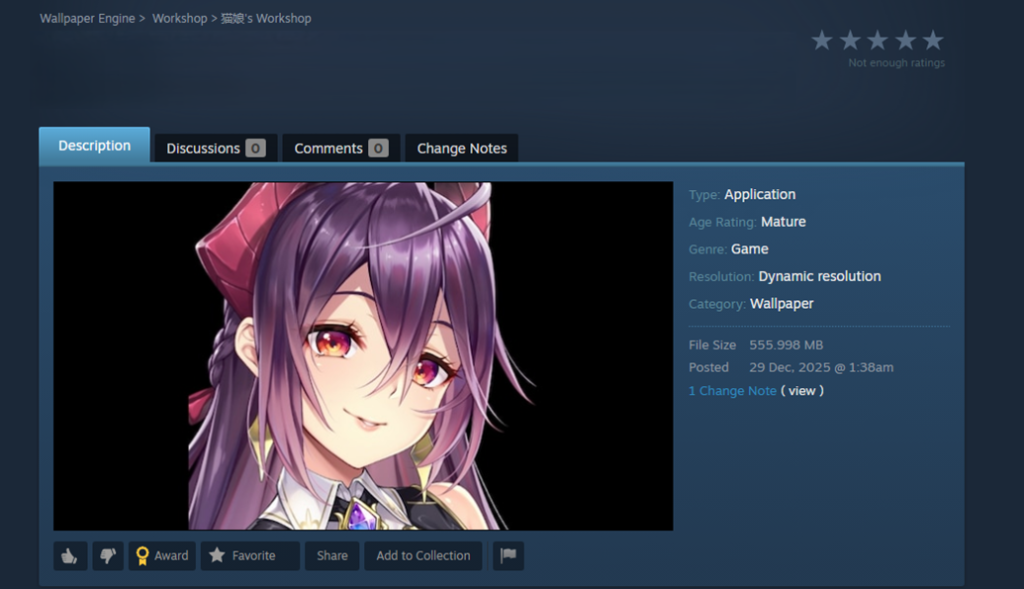
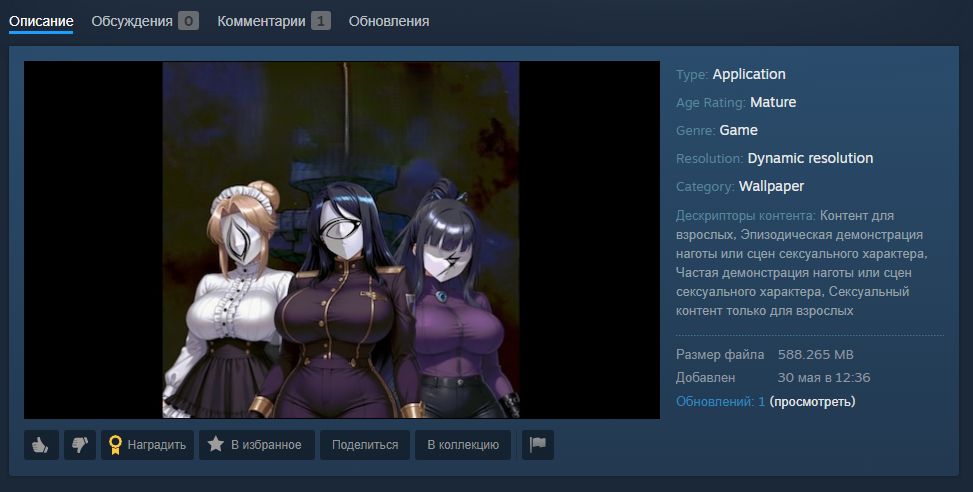
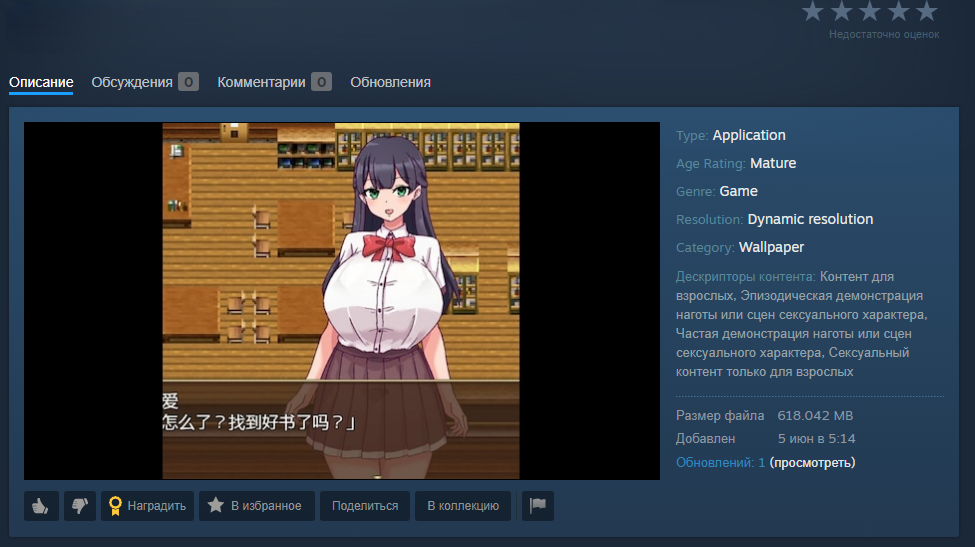
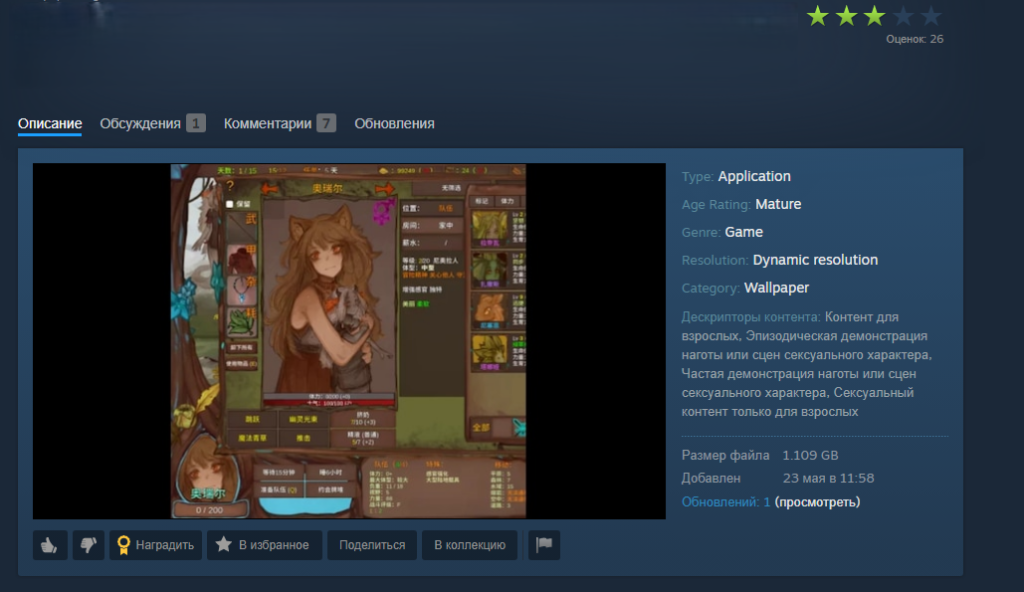
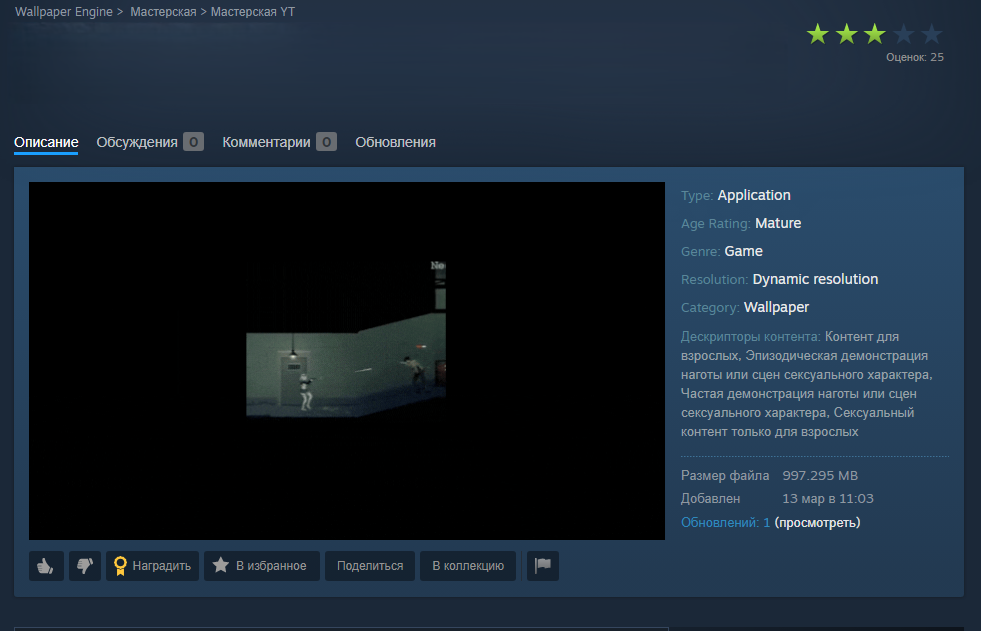
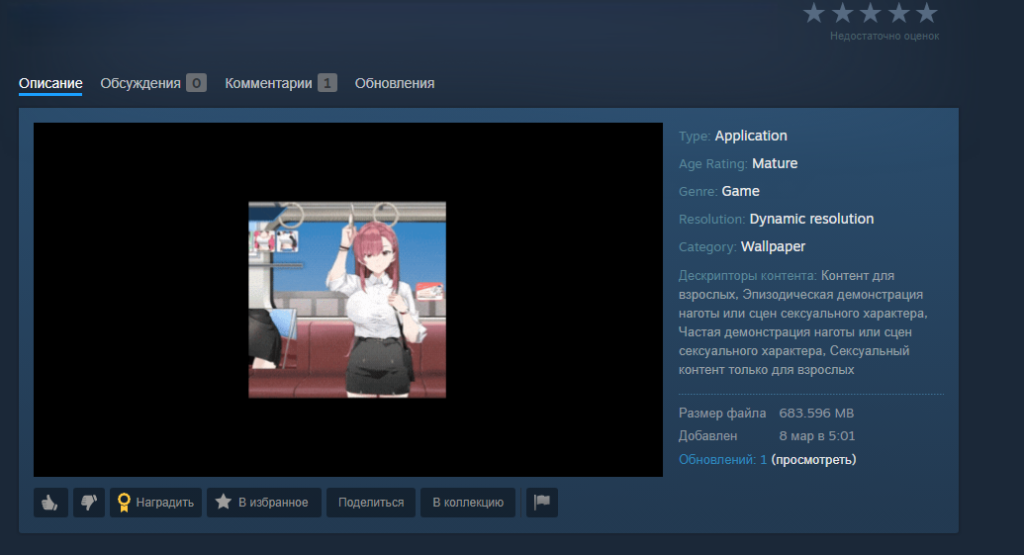
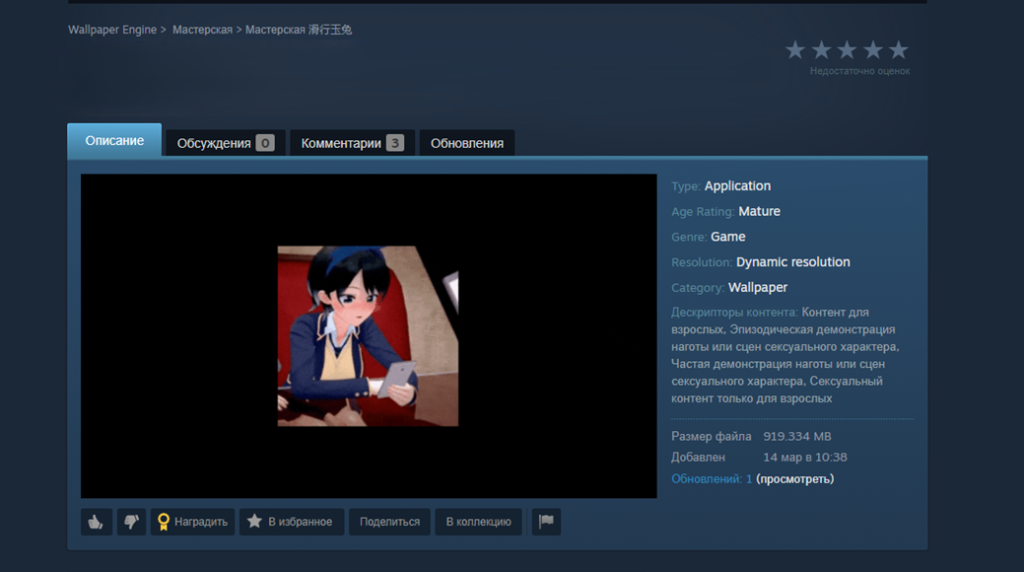
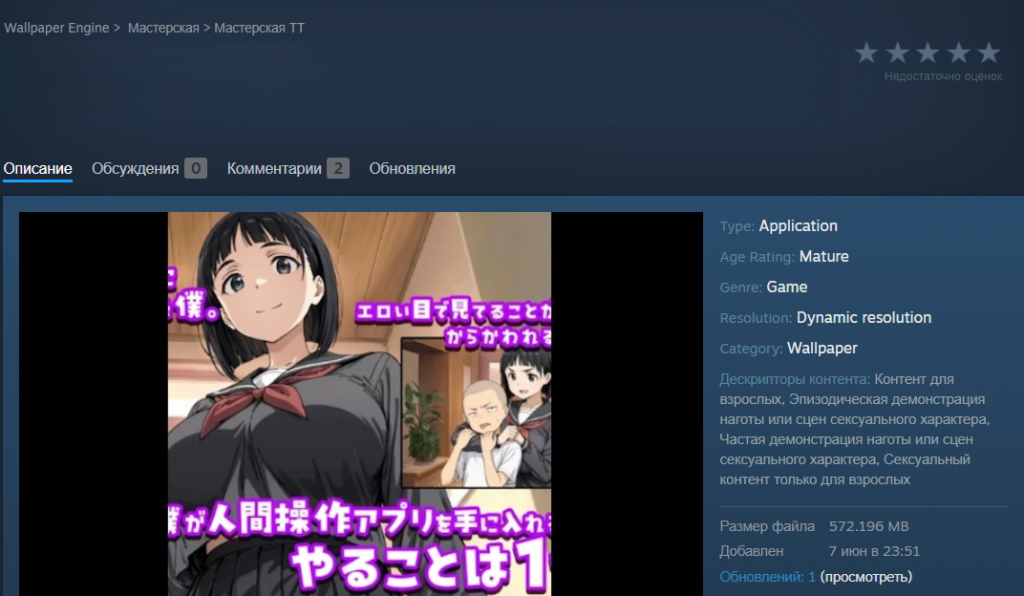
Since late 2025, malware has been spreading rapidly through the Steam Workshop, the gaming platform’s built-in service for players to create and share custom content. The attackers are primarily targeting gamers in China and Russia, aiming to hijack their accounts. To pull this off, they are exploiting Wallpaper Engine – a popular live wallpaper app available on Steam – specifically leveraging its Workshop sharing feature. The malware is hidden inside the wallpaper packages users share with one another. Running one of these compromised wallpapers can lead to a stolen Steam account or leave the victim’s system infected with backdoors or crypto miners.
What is Wallpaper Engine?
Wallpaper Engine is an app that allows you to put animated wallpapers on your desktop. It’s available for both Windows and Android, though our investigation focused strictly on the Windows version. Thanks to a massive Steam community, the app is quite popular, boasting around 100,000 daily active users and nearly a million reviews. It comes with a built-in editor so users can create their own designs, and it supports a few different wallpaper types:
Videos: MP4, WebM, and other common video formats
Scenes: interactive wallpapers built inside the app’s own editor
Web pages: HTML pages powered by JavaScript and CSS, which can also include audio and video elements
Applications: active windows from third-party Windows-compatible software that Wallpaper Engine sets as the user’s desktop background
That last type, application wallpapers, is where things get risky, because these are essentially standalone programs. They can be anything from mini-games you play right on your desktop, to planners, calendars, system monitors, or widgets tracking your CPU or GPU usage.
Application wallpapers: a built-in security risk
The whole concept of “application wallpapers” essentially allows foreign code to be run directly on your computer. Cybercriminals took note of this feature and started embedding malware right into these types of wallpapers. Because Wallpaper Engine relies on Steam Workshop for content sharing, anyone can create a wallpaper and publish it for the community to download and install for free. Naturally, this setup is a magnet for bad actors.
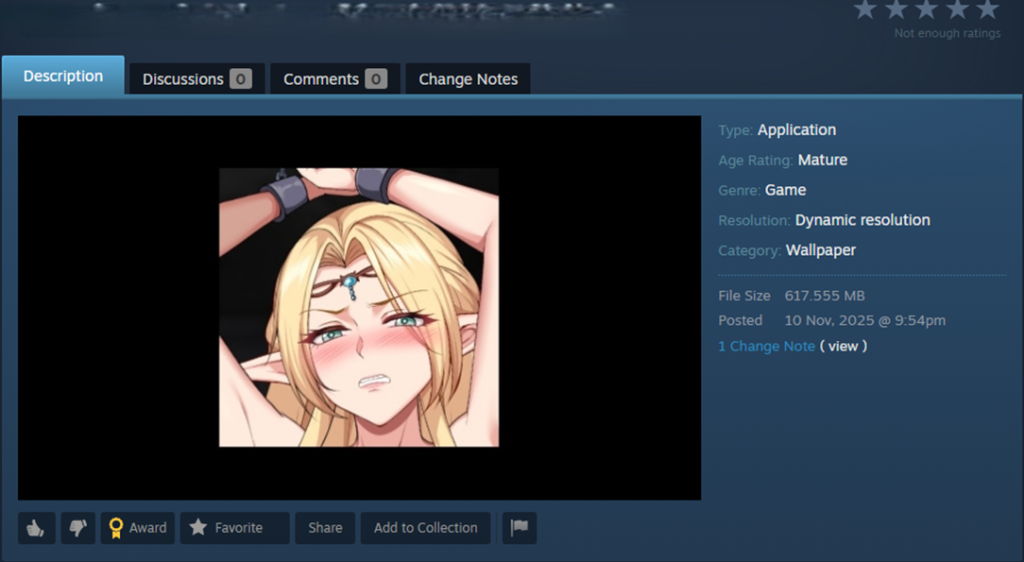
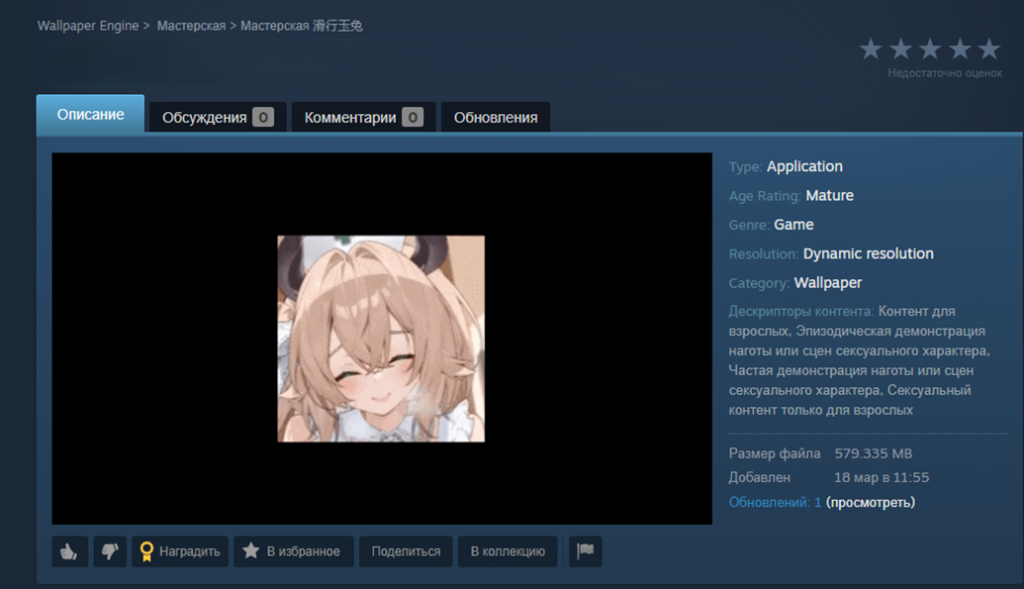
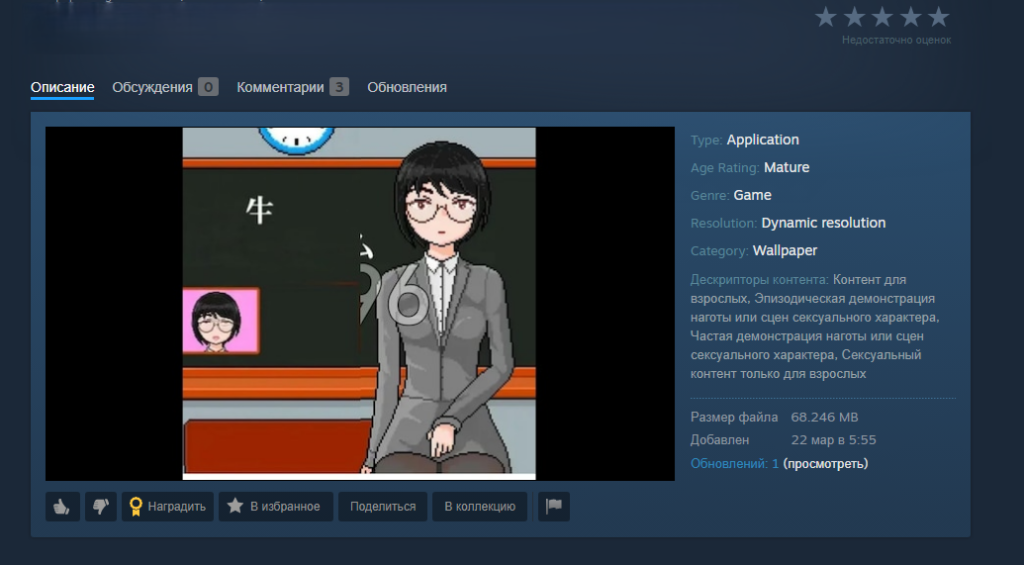
We discovered dozens of these malicious application wallpapers floating around Steam Workshop, and each one had already been downloaded thousands – or even tens of thousands – of times.
When we analyzed them, we caught two different methods the attackers were using to spread their malware:
An archive containing the executable wallpaper alongside the malicious files. This payload usually consisted of compromised EXE files, DLLs, or malicious scripts.
In other cases, attackers threw a curveball by hiding the malware inside a password-protected archive. Either the victim was tricked into typing the password, or a script handled it automatically. The attackers would hide the password in plain sight – either right in the archive’s name or inside a JSON configuration installed along with other wallpaper files. For all the other variations, the payload triggered automatically when the user selected and applied the wallpaper.
Inside an infected game wallpaper
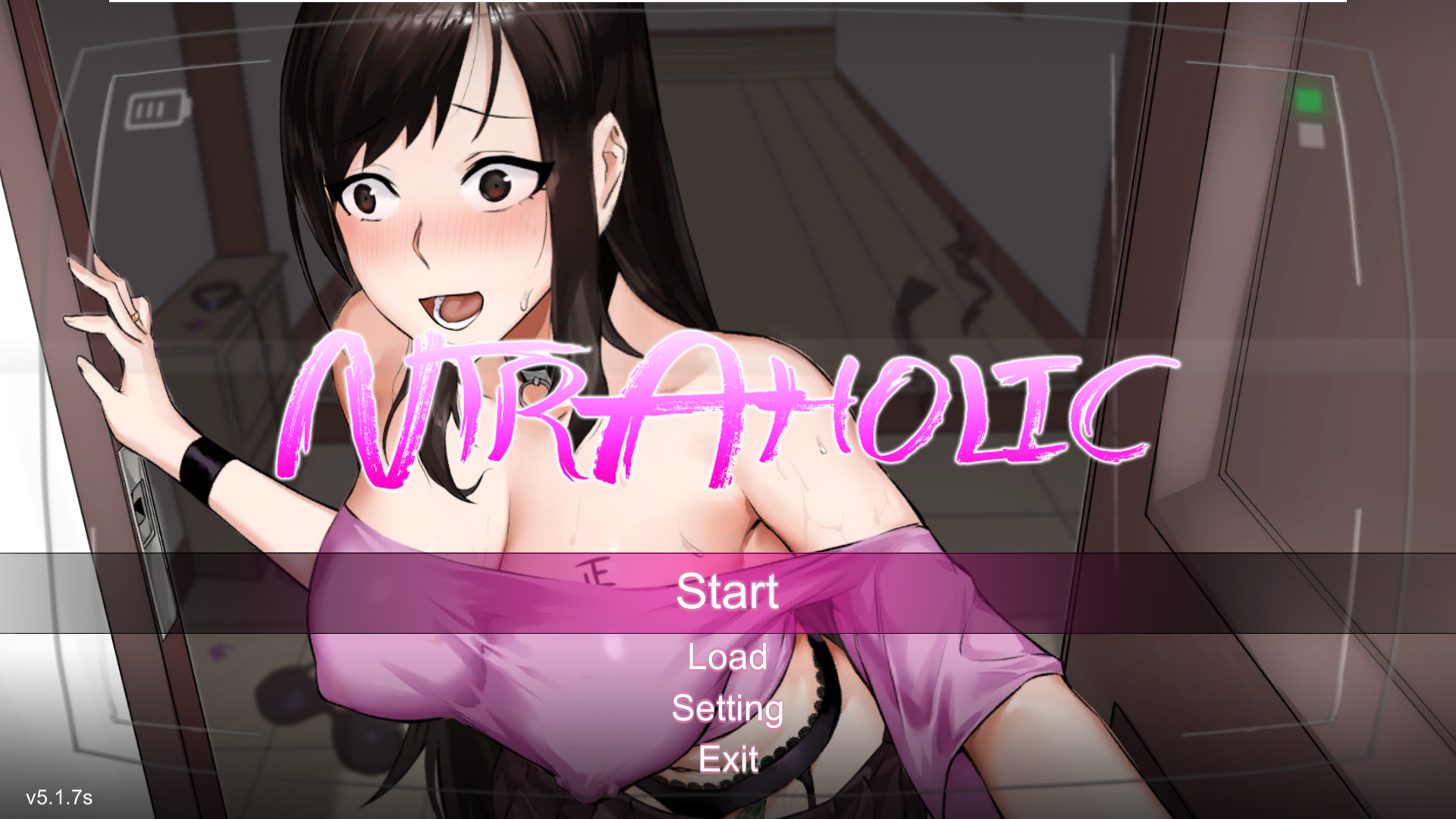
Main screen of the wallpaper application
On the surface, this wallpaper sample (above) we uncovered in December 2025 looks completely harmless. Once launched, there’s absolutely nothing to trigger your suspicion. The built-in game boots up flawlessly, runs smoothly, and the desktop controls work exactly as they should. But behind the scenes, a full-blown infection is underway. Within just a few minutes, a user might suddenly realize their Steam account has been hijacked, or find their computer crippled by malware, with their files being encrypted by ransomware or their system performance tanking because of a hidden crypto miner.
How the malware deploys
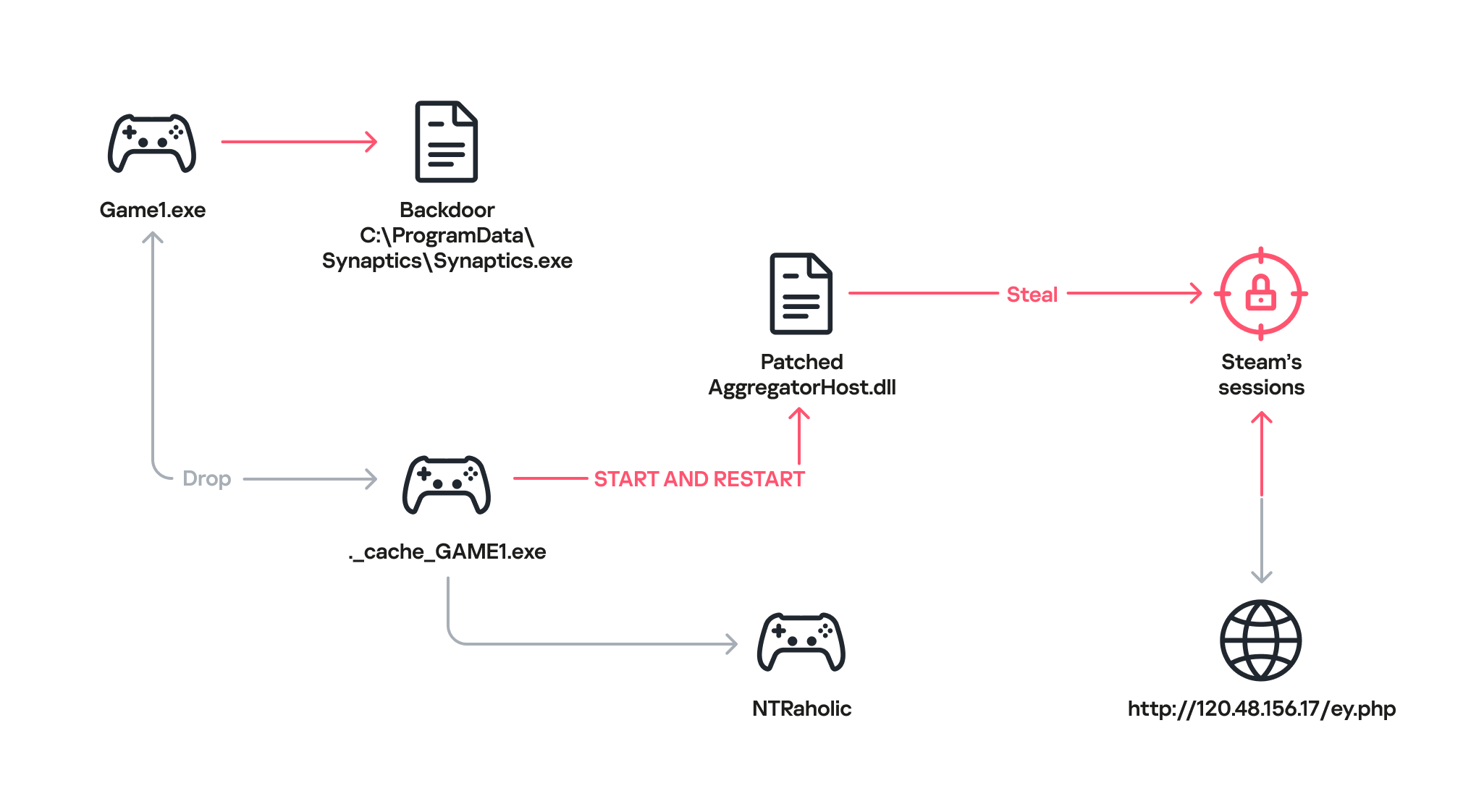
Once the game wallpaper launches, it drops a backdoor file called Synaptics.exe (part of the DarkKomet malware family) straight into the victim’s system. At the same time, an executable named ._cache_GAME1.exe fires up to boot the actual game, NTRaholic.
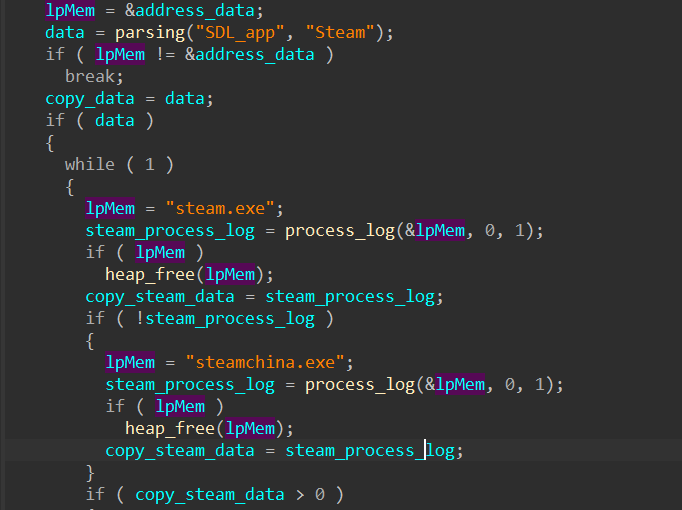
But that ._cache_GAME1.exe module is doing double duty. It simultaneously installs a custom version of a system library called AggregatorHost.dll with a payload inside. This modified library has one main objective: track down the Steam app on the computer and hunt for account credentials.
Looking for the Steam app
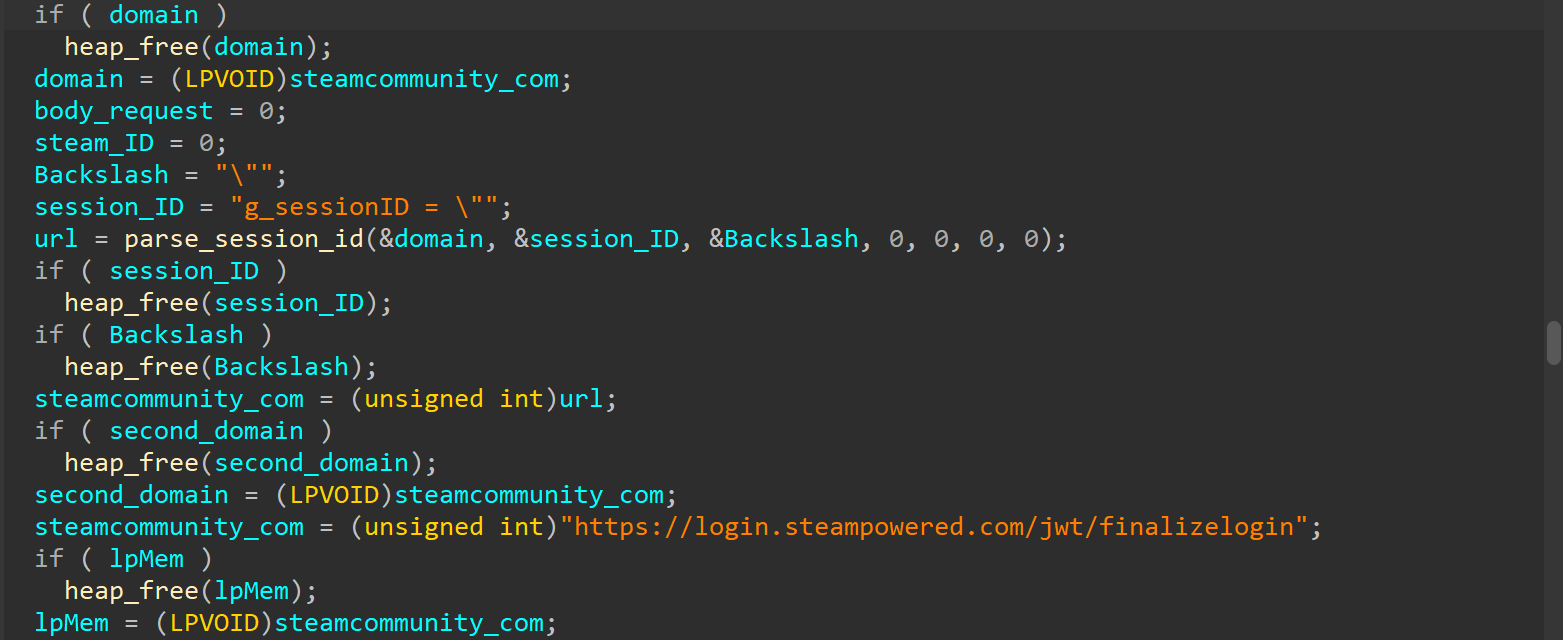
Next, the modified library hijacks the user’s live Steam session.
Hijacking the Steam session
After that, the compromised AggregatorHost.dll sends all the collected data to a server controlled by the hackers at hxxp://120.48.156[.]17/ey.php. Once the attackers have control of that active session, they can use the victim’s account to upload even more malicious wallpapers to Steam Workshop.
Attribution and victims
The game wallpaper described above is just one flavor of the many variations we uncovered during our research. By weaponizing the application wallpaper feature, bad actors have successfully distributed almost every type of malware under the sun – from popular infostealers and backdoors to crypto miners and botnet loaders.
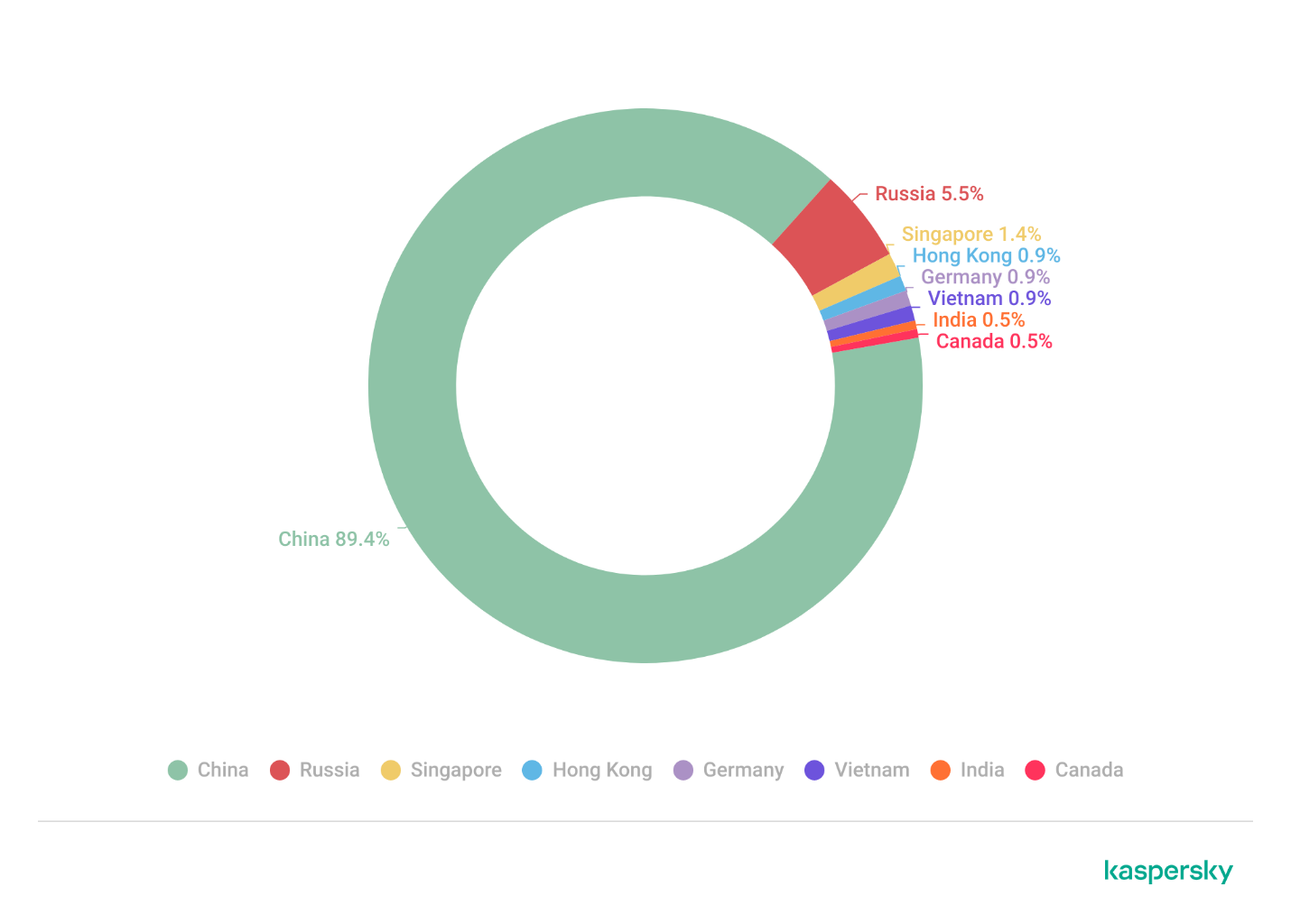
Because the range of tools being used is so diverse, we suspect this isn’t the work of a single mastermind. Instead, it looks like multiple scattered, independent hacking groups are all jumping on the same trend. Right now, the primary targets are gamers in China. The wallpaper art styles and titles are tailored specifically to them, and the data backs it up: our security systems caught a staggering 89% of the malicious download attempts happening right there. That said, there’s absolutely nothing stopping these attackers from pivoting and launching a similar campaign in any other part of the world. Russia comes in second place for total downloads at 5.5%, followed by a smattering of other countries and territories: Singapore (1.4%), Hong Kong (0.9%), Germany (0.9%), Vietnam (0.9%), India (0.5%), and Canada (0.5%).
Malicious app wallpaper downloads by region
How to stay safe
Our investigation proves that even trusted platforms like the Steam Workshop aren’t completely safe from malware. In most cases, we caught old, familiar threats such as DarkKomet, the Lumma and Vidar infostealers, and the RenEngine loader. Kaspersky solutions can easily spot and block all of these payloads, no matter how clever the packaging is, thanks to our proactive security layers. Here are some of the specific threat detection verdicts assigned to the objects we discovered during our research:
HEUR:Trojan-PSW.Win32.gen
HEUR:Trojan-PSW.Win32.Python.gen
HEUR:Backdoor.Win32.DarkKomet
Trojan-Dropper.Python.Agent
HEUR:Trojan-Ransom.Win32.Gen.gen
PDM:Trojan.Win32.Generic.
By the time this post went live, the Steam team had already scrubbed the identified malicious wallpapers and links from the platform. However, given how frequently new infected wallpapers keep popping up on the Steam Workshop, you shouldn’t rely on Steam to catch everything. It’s highly recommended to run an antivirus scan on these types of wallpapers before you actually apply them.
During our recent threat hunting activities, we found EtherRAT malware being distributed by a website with a strange homepage. This homepage allowed us to discover a vast malicious infrastructure distributing malware, malicious documents, remote desktop software, and phishing pages.
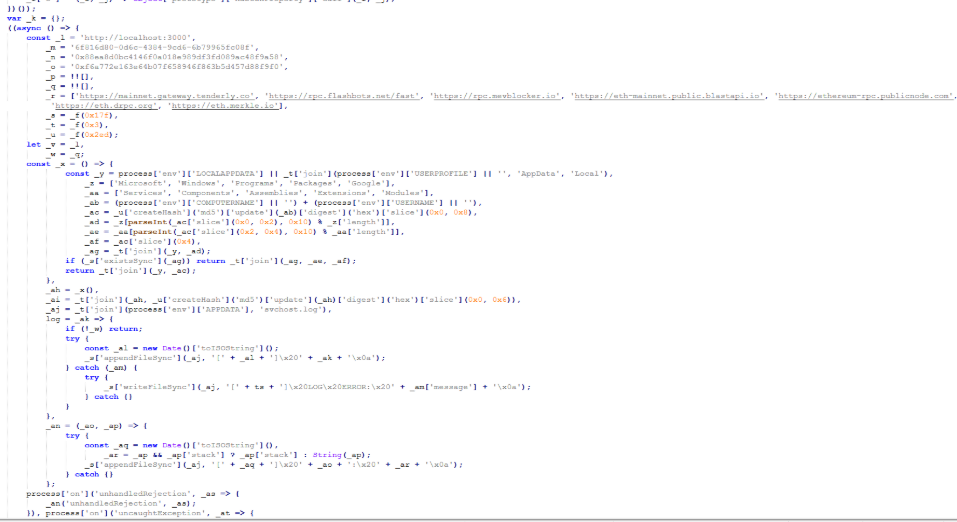
EtherRAT is a RAT developed in Node.js which allows an attacker to gain complete control over the machine and execute arbitrary code returned by the Command and Control (C2) server. The malware uses the Etherium blockchain to obtain the C2 server, hence the “Ether” part of the name. EtherRAT is typically distributed via MSI, PowerShell, or JavaScript scripts.
An open directory that distributes EtherRAT: where it all began
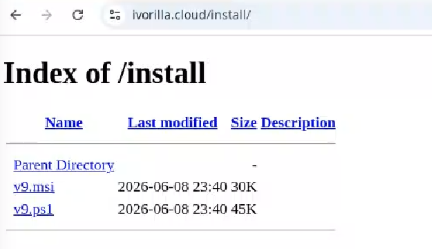
While threat hunting, we found an open directory that was distributing MSI installers and PowerShell scripts, which ultimately distributed EtherRAT. In the analyzed cases, the PowerShell scripts and MSI installers were distributed from a “/install” folder. The versions have a progressive number, ranging from v1 to v10.
Open Directory hosting EtherRAT MSI
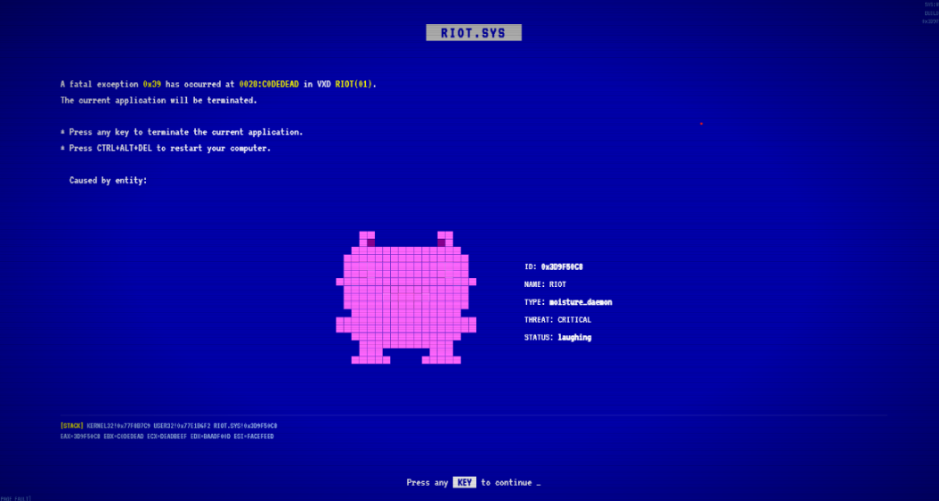
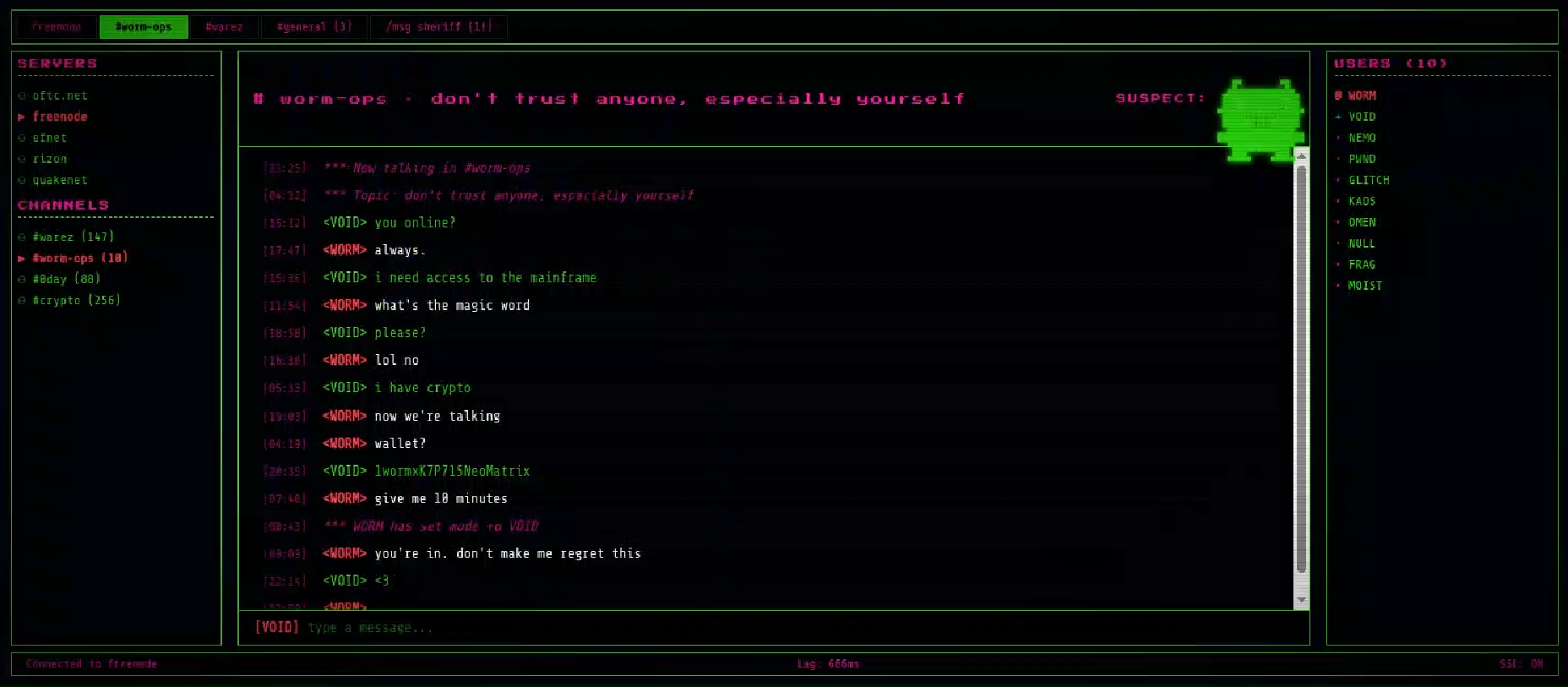
The returned home page caught our attention and prompted us to further explore the campaign.
The homepage returned by the EtherRAT distribution website
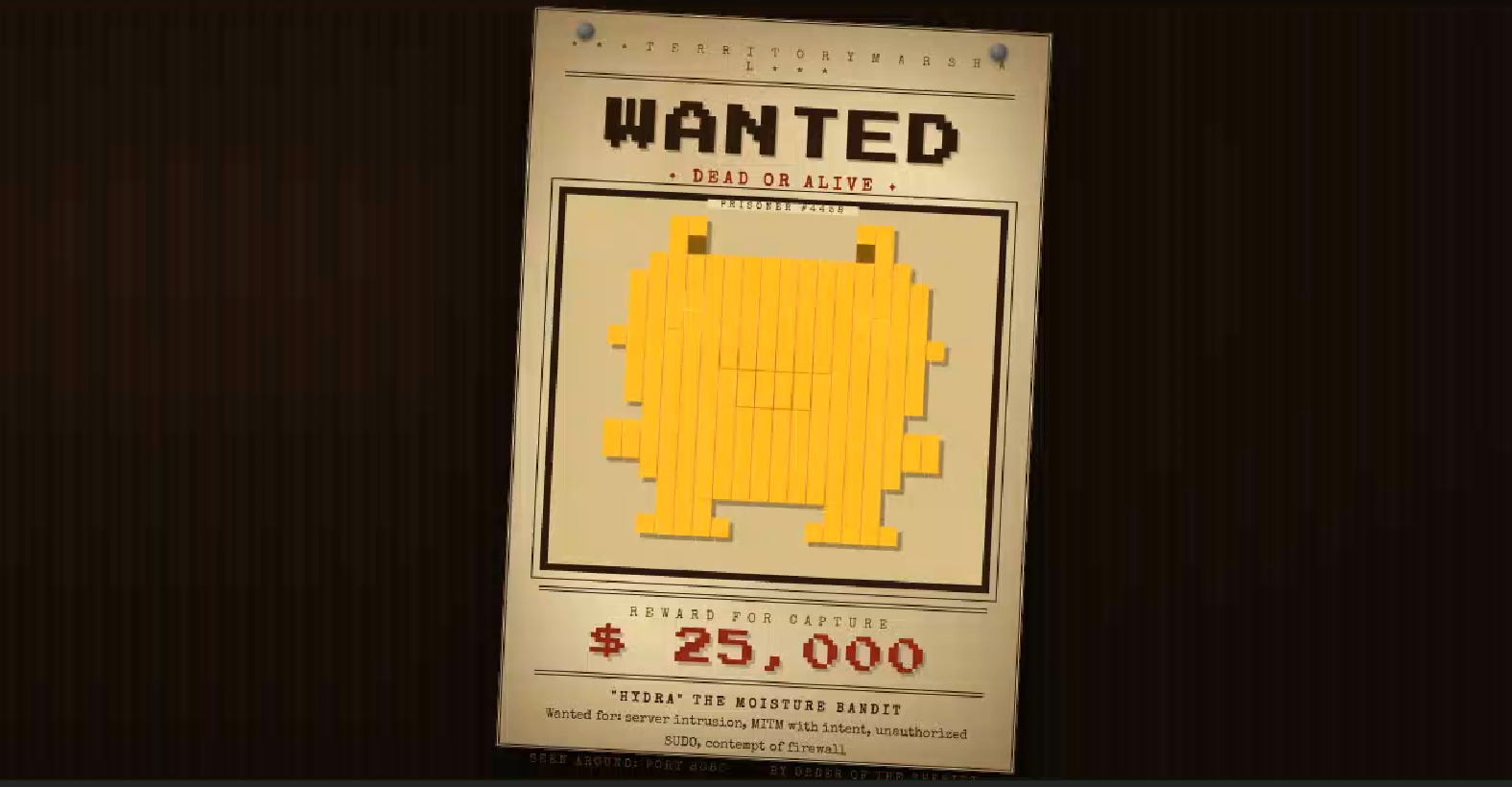
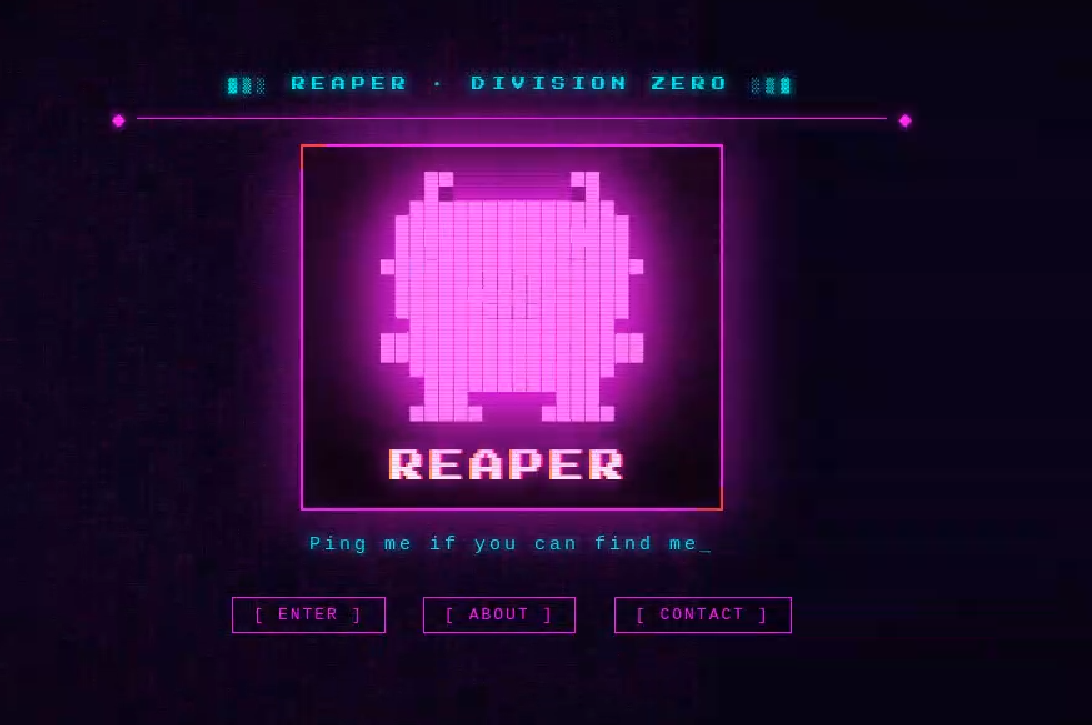
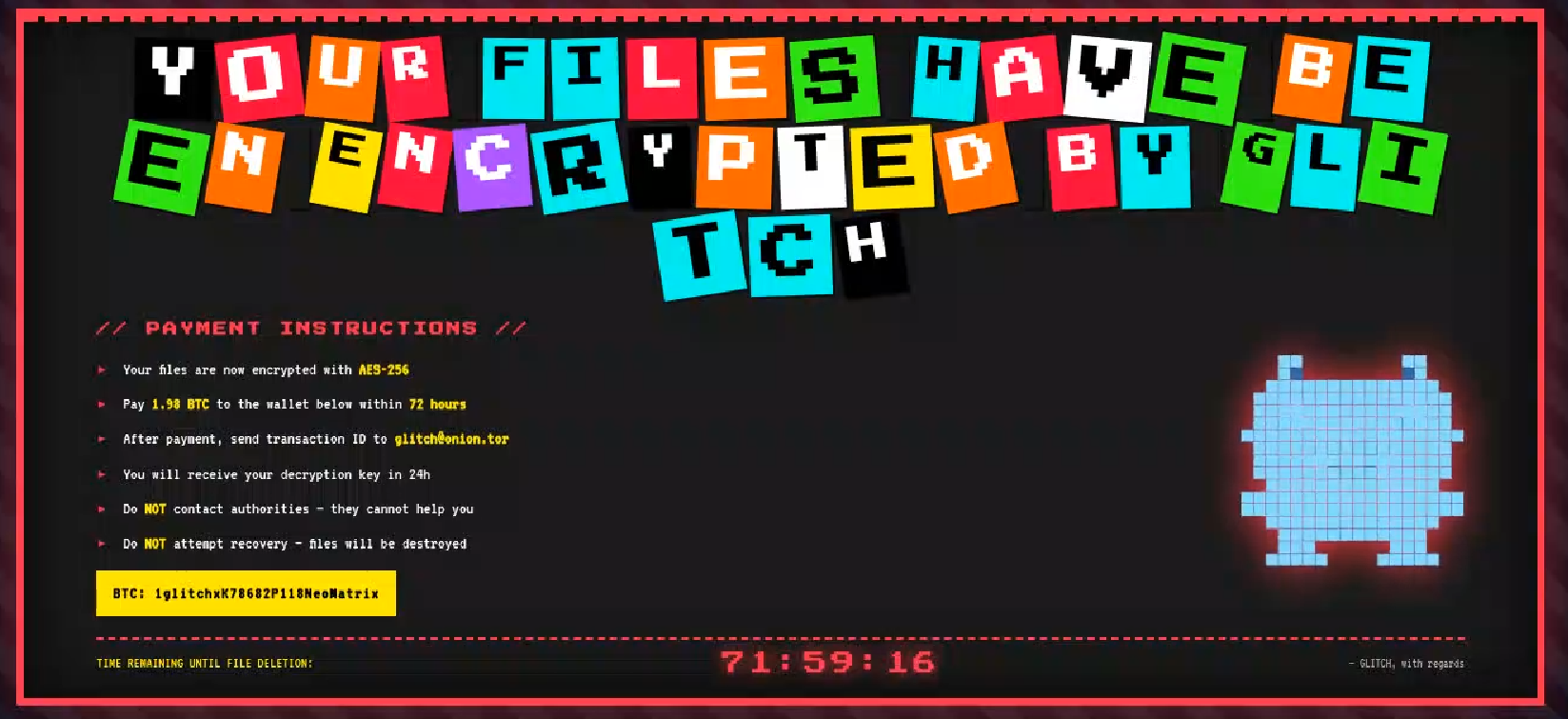
Analyzing domains and associated IPs with the EtherRAT distribution, we detected other similar home pages with a hacking-style theme. They appeared to belong to a larger distribution chain, which also distributes phishing, remote control software, and other malware. These websites usually have several folders with malware and phishing related content, and what is displayed depends on the specific infection chain.
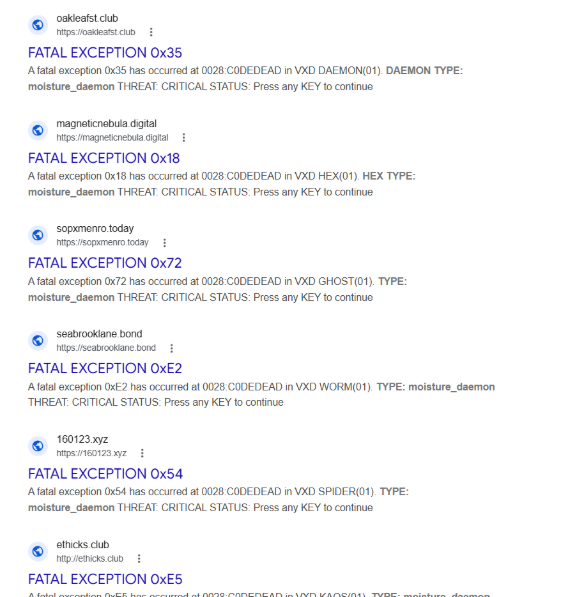
Different websites that resolve to the same IP addresses have previously returned pages related to fake companies or default templates. The use of these new pages could therefore be a method to make detection more difficult for automated scanners or researchers. Here are some of the home pages we found:
Some of the malicious websites indexed on Google
EtherRAT is an interesting RAT, as it has few lines of code and allows the execution of arbitrary code returned by the C2 server. Furthermore, using the Ethereum blockchain to obtain the C2 server makes it more resilient to infrastructure takedowns.
Technical analysis of EtherRAT
The detected websites usually distribute an MSI or PowerShell script with the version name, such as v1.msi, v2.ps1, and so on.
MSI Loader
The MSI file “v9.msi” contains three components:
MSI Filename
Description
KmPuGimn.cmd
BAT launcher
cDQMlQAru0.xml
First Jscript loader
MRaQCipBIZeiZNx.log
Encrypted EtherRAT
When the MSI is executed, the “KmPuGimn.cmd” file is started:
conhost --headless cmd /c "KmPuGimn.cmd"
This obfuscated BAT file performs different operations:
Extracts the other files in a random folder in %LOCALAPPDATA%.
The final stage is to deploy EtherRAT. EtherRAT allows the attacker to:
Execute arbitrary JavaScript code received by the C2 server. This allows the attacker to execute new commands, perform operations on files and folders, modify the registry, and exfiltrate data.
Get a new C2 server using the Ethereum blockchain.
Reobfuscate itself.
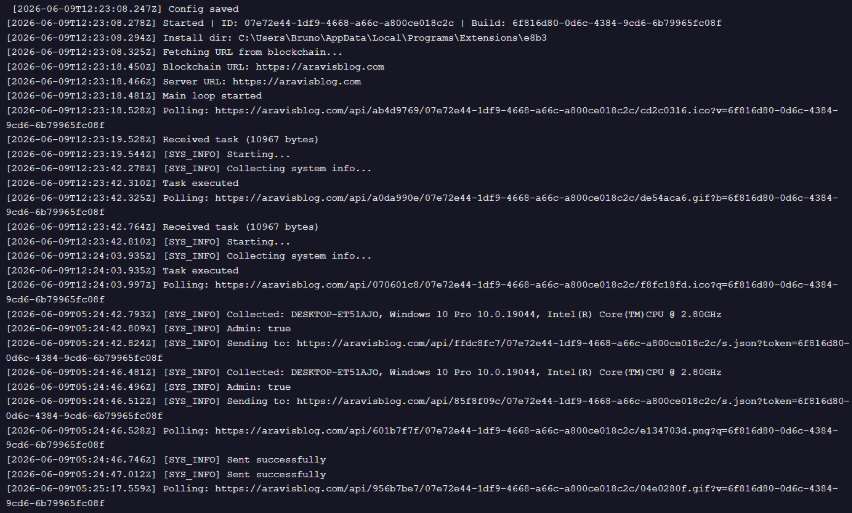
Save the logs to “svchost.log”.
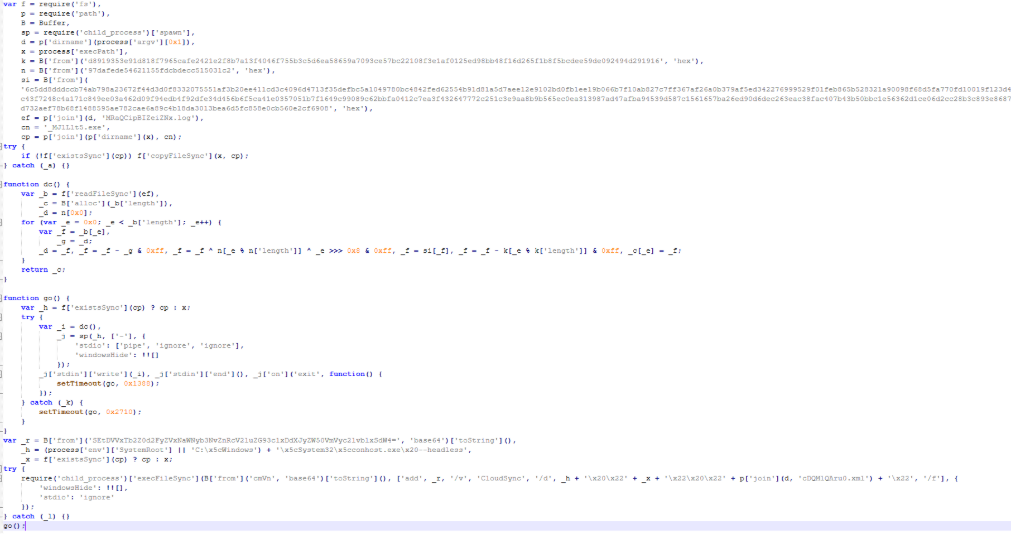
Part of decrypted EtherRAT code
The EtherRAT uses Ethereum’s “eth_call” JSON-RPC method to retrieve the active C2 URL from a smart contract on the Ethereum mainnet.
After startup, the RAT sends its own source code to the C2 server. The C2 responds with a newly obfuscated version of the script, which is written back to disk, making each execution generate a new file hash.
POST /api/[REOBF_PATH]/<victim-uuid>
Body: { "code": "<current_script_contents>", "build": "<build_id>" }
After the EtherRAT execution, we observed different post-compromised cmd.exe activities to check the environment. For example:
The activities performed by the PowerShell loaders are very similar to the last stage of the JS script of the MSI installer:
Downloads Node.js if it’s not present.
Create the necessary directories.
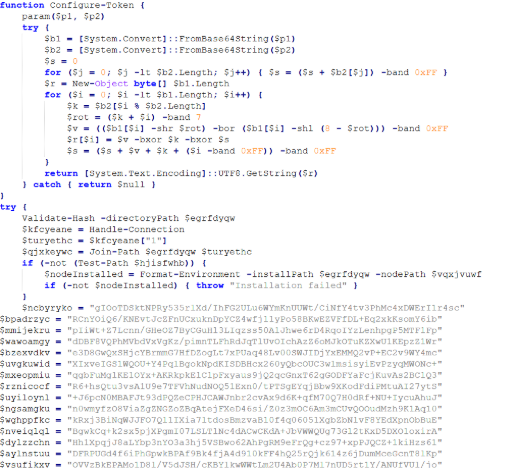
Decode the EtherRAT with a custom decryption algorithm.
Execute Node.js with conhost.exe and the decrypted EtherRAT payload.
We detected some variants of the PowerShell loader hosted on these websites; namely that the functions’ names and the decryption functions change in the analyzed PowerShell scripts.
The decryption of EtherRAT payload with the custom decryption algorithm
Tracking the malicious infrastructure
When we analyzed the different websites with the “hacking-theme” pages, we found that in the past many had hosted multiple phishing pages in some specific paths. For example:
/zht/sharep-redirect.html
/bl/me.php
/t/teams
/teams/Windows/invite.php
It seems that these domains and IPs are actually part of a much larger infrastructure that distributes malware, phishing, malicious documents, and remote software. It is possible that these infrastructures are shared by multiple threat actors who activate different URL endpoints based on the specific campaign.
Interestingly, the majority of the domains related to this malicious infrastructure in the past also returned an HTML page related to a “Bulletproof Infrastructure” service.
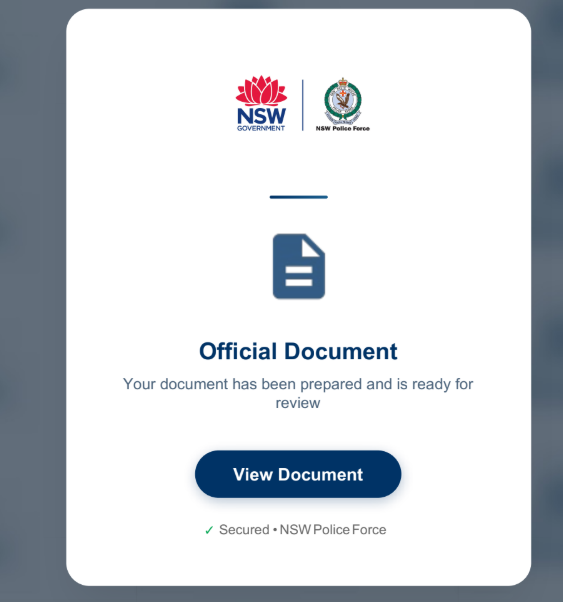
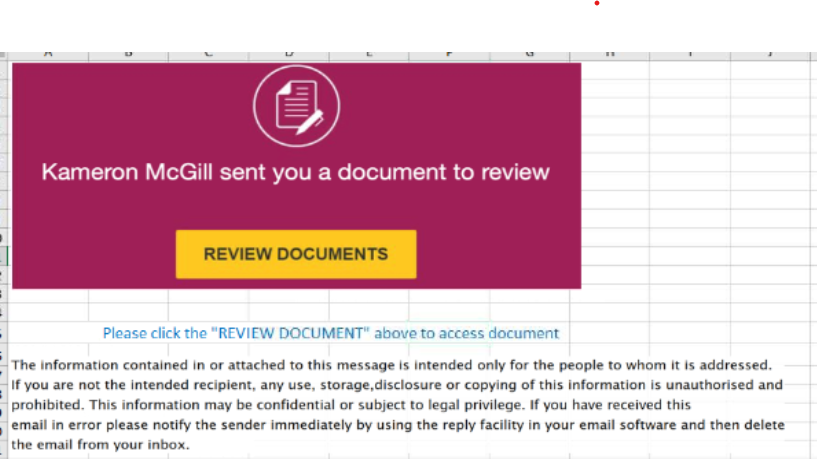
We found that these phishing campaigns typically start via emails with documents attached, such as PDF or Excel files. These documents ask the user to click a link to view another document. Below are two examples of the phishing documents attached to the emails:
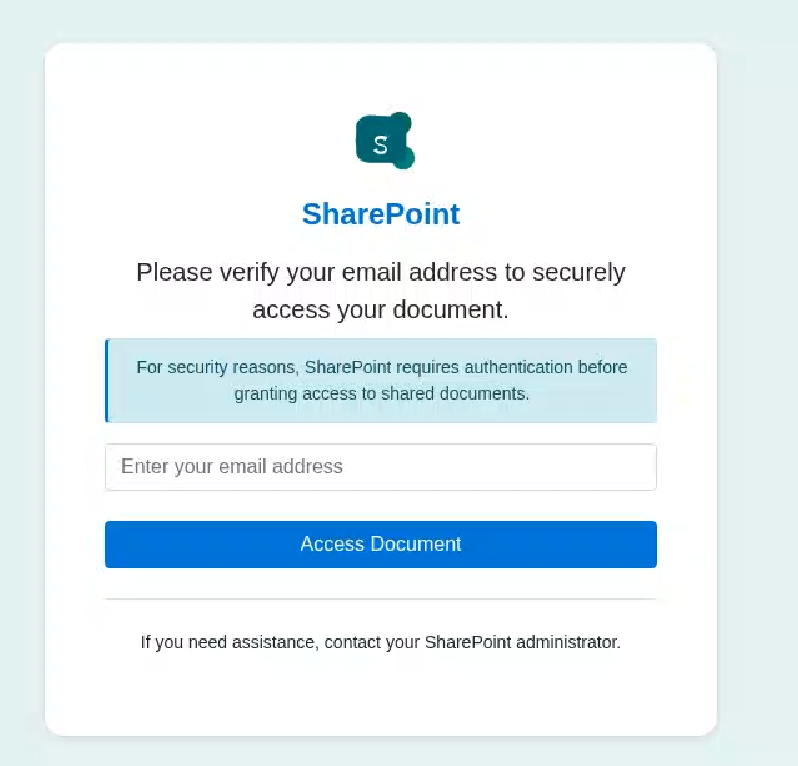
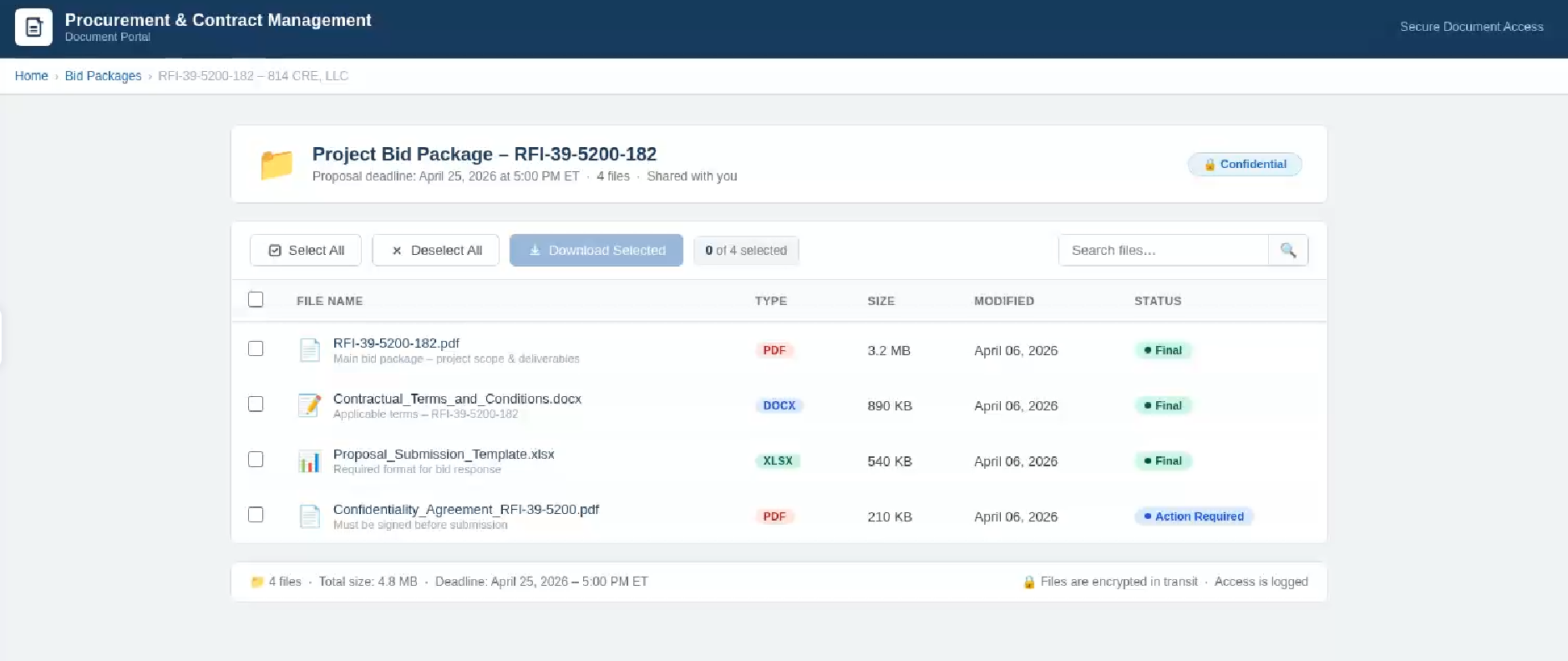
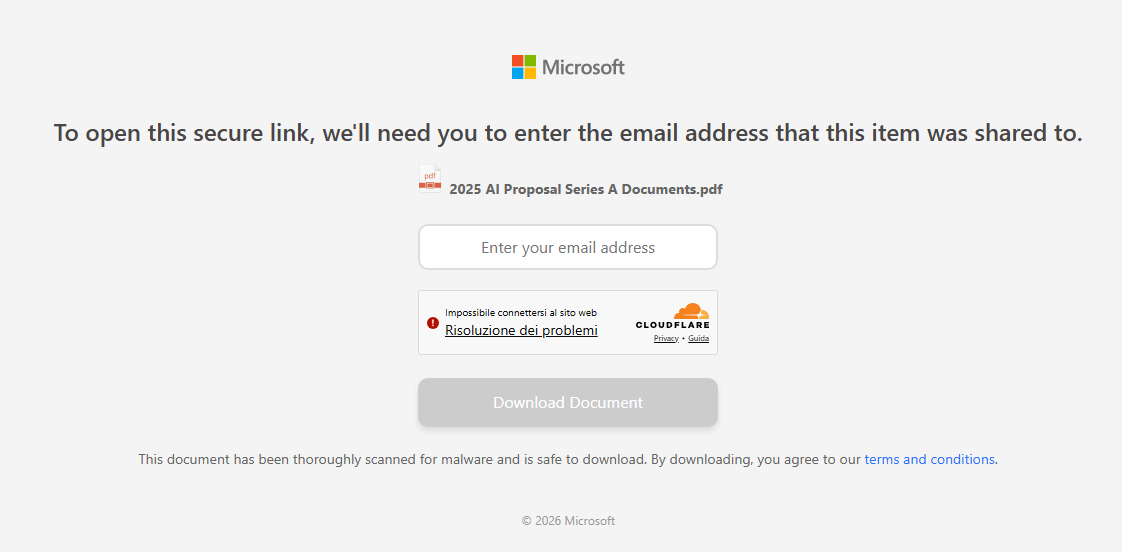
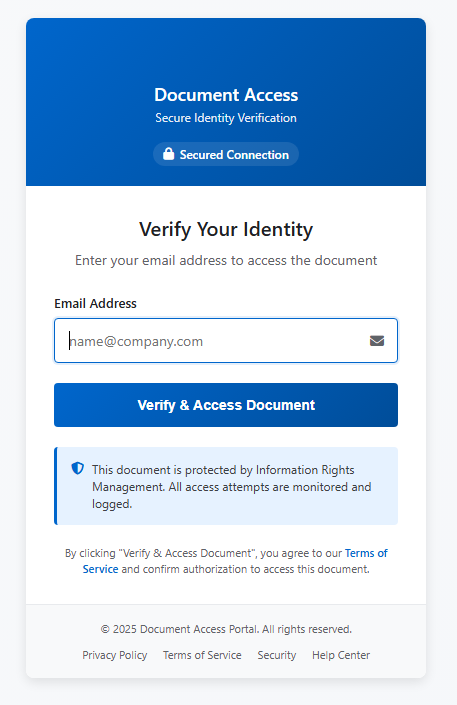
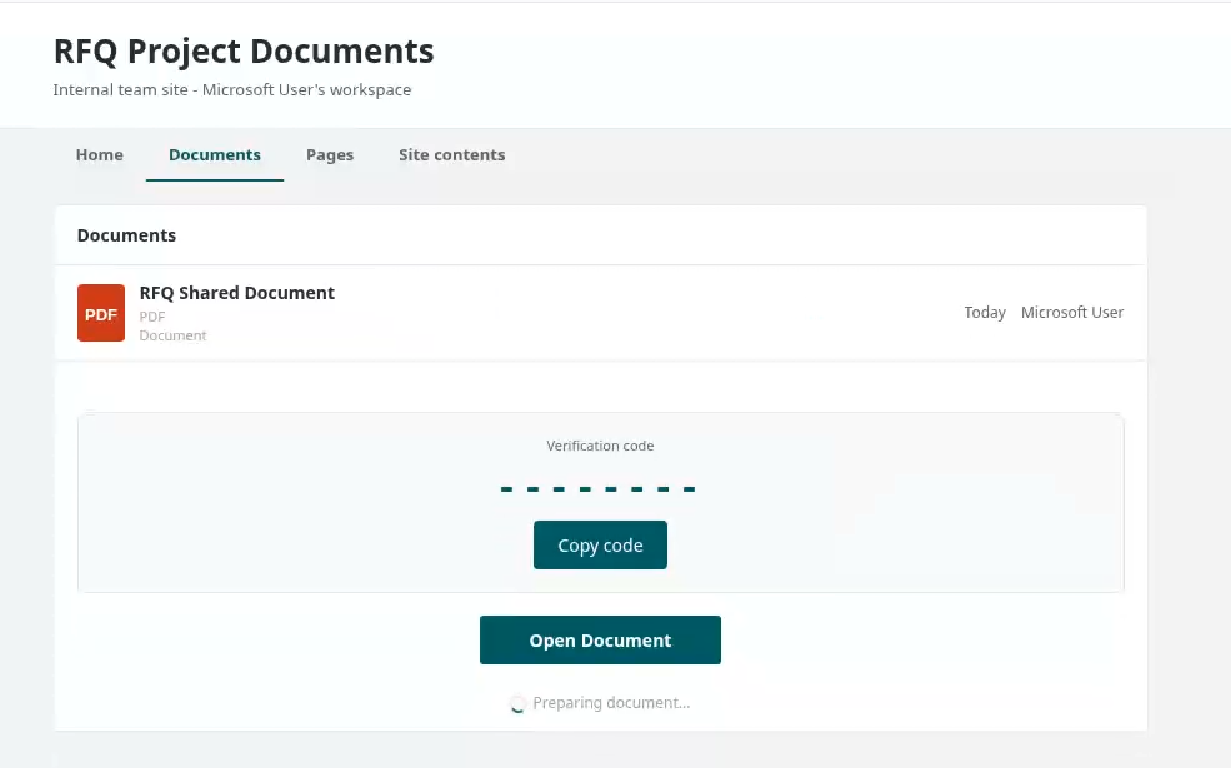
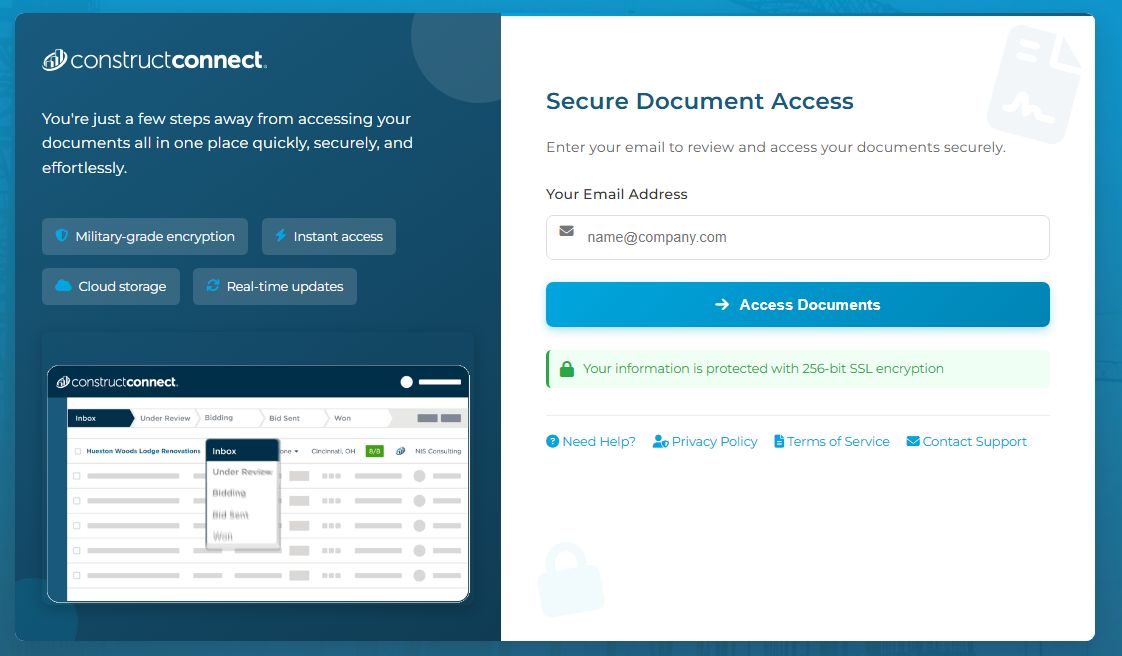
These phishing pages typically ask the user to enter their email address, then continue the infection chain and distribute phishing or malware pages. Below are some of the phishing pages detected within the malicious infrastructure:
Misconfigurations exposed the phishing kits
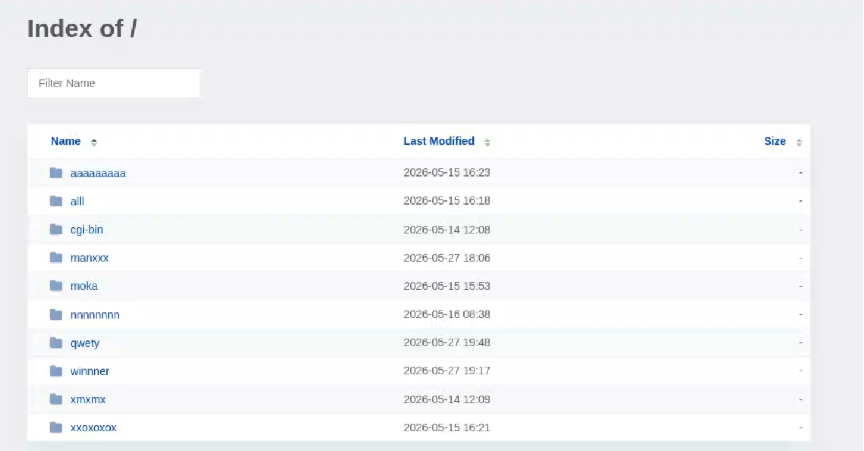
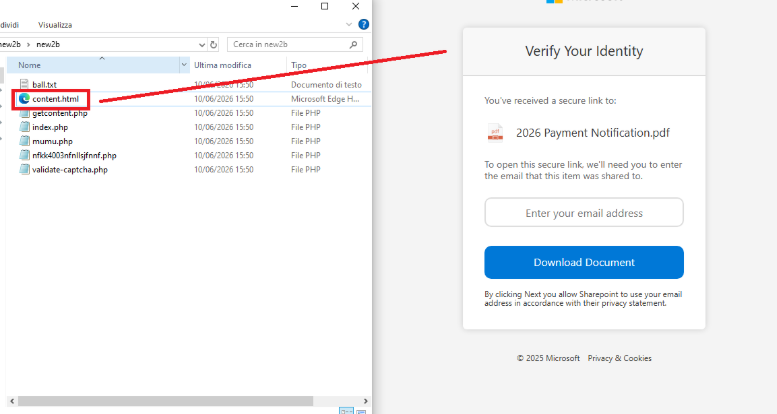
While tracking malicious websites, we found one with an open directory containing part of the phishing kit used in the campaigns.
Open directory hosting part of phishing kits
The open directory contained several folders with code and pages related to the phishing campaigns.
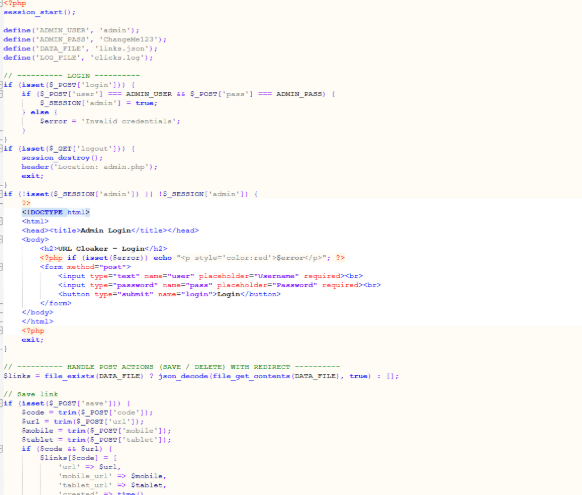
Phishing kit code
Additionally, some domains were misconfigured and allowed the download of “cl.zip”, which contained the source code for the “URL Cloaker” pages.

 Login
Login