Login
Login
Key OpenClaw risks, Clawdbot, Moltbot | Kaspersky official blog
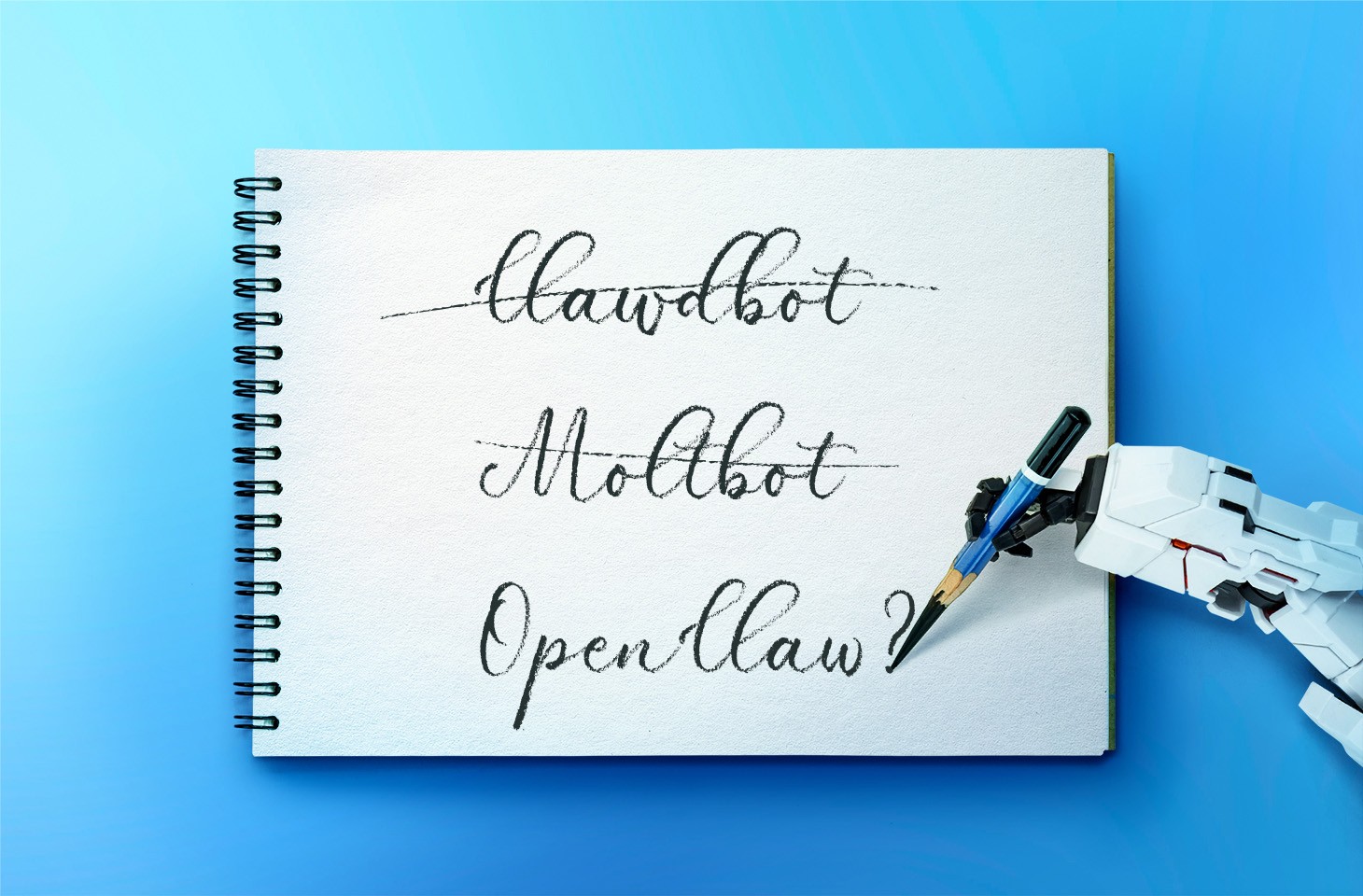
Everyone has likely heard of OpenClaw, previously known as “Clawdbot” or “Moltbot”, the open-source AI assistant that can be deployed on a machine locally. It plugs into popular chat platforms like WhatsApp, Telegram, Signal, Discord, and Slack, which allows it to accept commands from its owner and go to town on the local file system. It has access to the owner’s calendar, email, and browser, and can even execute OS commands via the shell.
From a security perspective, that description alone should be enough to give anyone a nervous twitch. But when people start trying to use it for work within a corporate environment, anxiety quickly hardens into the conviction of imminent chaos. Some experts have already dubbed OpenClaw the biggest insider threat of 2026. The issues with OpenClaw cover the full spectrum of risks highlighted in the recent OWASP Top 10 for Agentic Applications.
OpenClaw permits plugging in any local or cloud-based LLM, and the use of a wide range of integrations with additional services. At its core is a gateway that accepts commands via chat apps or a web UI, and routes them to the appropriate AI agents. The first iteration, dubbed Clawdbot, dropped in November 2025; by January 2026, it had gone viral — and brought a heap of security headaches with it. In a single week, several critical vulnerabilities were disclosed, malicious skills cropped up in the skill directory, and secrets were leaked from Moltbook (essentially “Reddit for bots”). To top it off, Anthropic issued a trademark demand to rename the project to avoid infringing on “Claude”, and the project’s X account name was hijacked to shill crypto scams.
Known OpenClaw issues
Though the project’s developer appears to acknowledge that security is important, since this is a hobbyist project there are zero dedicated resources for vulnerability management or other product security essentials.
OpenClaw vulnerabilities
Among the known vulnerabilities in OpenClaw, the most dangerous is CVE-2026-25253 (CVSS 8.8). Exploiting it leads to a total compromise of the gateway, allowing an attacker to run arbitrary commands. To make matters worse, it’s alarmingly easy to pull off: if the agent visits an attacker’s site or the user clicks a malicious link, the primary authentication token is leaked. With that token in hand, the attacker has full administrative control over the gateway. This vulnerability was patched in version 2026.1.29.
Also, two dangerous command injection vulnerabilities (CVE-2026-24763 and CVE-2026-25157) were discovered.
Insecure defaults and features
A variety of default settings and implementation quirks make attacking the gateway a walk in the park:
- Authentication is disabled by default, so the gateway is accessible from the internet.
- The server accepts WebSocket connections without verifying their origin.
- Localhost connections are implicitly trusted, which is a disaster waiting to happen if the host is running a reverse proxy.
- Several tools — including some dangerous ones — are accessible in Guest Mode.
- Critical configuration parameters leak across the local network via mDNS broadcast messages.
Secrets in plaintext
OpenClaw’s configuration, “memory”, and chat logs store API keys, passwords, and other credentials for LLMs and integration services in plain text. This is a critical threat — to the extent that versions of the RedLine and Lumma infostealers have already been spotted with OpenClaw file paths added to their must-steal lists. Also, the Vidar infostealer was caught stealing secrets from OpenClaw.
Malicious skills
OpenClaw’s functionality can be extended with “skills” available in the ClawHub repository. Since anyone can upload a skill, it didn’t take long for threat actors to start “bundling” the AMOS macOS infostealer into their uploads. Within a short time, the number of malicious skills reached the hundreds. This prompted developers to quickly ink a deal with VirusTotal to ensure all uploaded skills aren’t only checked against malware databases, but also undergo code and content analysis via LLMs. That said, the authors are very clear: it’s no silver bullet.
Structural flaws in the OpenClaw AI agent
Vulnerabilities can be patched and settings can be hardened, but some of OpenClaw’s issues are fundamental to its design. The product combines several critical features that, when bundled together, are downright dangerous:
- OpenClaw has privileged access to sensitive data on the host machine and the owner’s personal accounts.
- The assistant is wide open to untrusted data: the agent receives messages via chat apps and email, autonomously browses web pages, etc.
- It suffers from the inherent inability of LLMs to reliably separate commands from data, making prompt injection a possibility.
- The agent saves key takeaways and artifacts from its tasks to inform future actions. This means a single successful injection can poison the agent’s memory, influencing its behavior long-term.
- OpenClaw has the power to talk to the outside world — sending emails, making API calls, and utilizing other methods to exfiltrate internal data.
It’s worth noting that while OpenClaw is a particularly extreme example, this “Terrifying Five” list is actually characteristic of almost all multi-purpose AI agents.
OpenClaw risks for organizations
If an employee installs an agent like this on a corporate device and hooks it into even a basic suite of services (think Slack and SharePoint), the combination of autonomous command execution, broad file system access, and excessive OAuth permissions creates fertile ground for a deep network compromise. In fact, the bot’s habit of hoarding unencrypted secrets and tokens in one place is a disaster waiting to happen — even if the AI agent itself is never compromised.
On top of that, these configurations violate regulatory requirements across multiple countries and industries, leading to potential fines and audit failures. Current regulatory requirements, like those in the EU AI Act or the NIST AI Risk Management Framework, explicitly mandate strict access control for AI agents. OpenClaw’s configuration approach clearly falls short of those standards.
But the real kicker is that even if employees are banned from installing this software on work machines, OpenClaw can still end up on their personal devices. This also creates specific risks for given the organization as a whole:
- Personal devices frequently store access to work systems like corporate VPN configs or browser tokens for email and internal tools. These can be hijacked to gain a foothold in the company’s infrastructure.
- Controlling the agent via chat apps means that it’s not just the employee that becomes a target for social engineering, but also their AI agent, seeing AI account takeovers or impersonation of the user in chats with colleagues (among other scams) become a reality. Even if work is only occasionally discussed in personal chats, the info in them is ripe for the picking.
- If an AI agent on a personal device is hooked into any corporate services (email, messaging, file storage), attackers can manipulate the agent to siphon off data, and this activity would be extremely difficult for corporate monitoring systems to spot.
How to detect OpenClaw
Depending on the SOC team’s monitoring and response capabilities, they can track OpenClaw gateway connection attempts on personal devices or in the cloud. Additionally, a specific combination of red flags can indicate OpenClaw’s presence on a corporate device:
- Look for ~/.openclaw/, ~/clawd/, or ~/.clawdbot directories on host machines.
- Scan the network with internal tools, or public ones like Shodan, to identify the HTML fingerprints of Clawdbot control panels.
- Monitor for WebSocket traffic on ports 3000 and 18789.
- Keep an eye out for mDNS broadcast messages on port 5353 (specifically openclaw-gw.tcp).
- Watch for unusual authentication attempts in corporate services, such as new App ID registrations, OAuth Consent events, or User-Agent strings typical of Node.js and other non-standard user agents.
- Look for access patterns typical of automated data harvesting: reading massive chunks of data (scraping all files or all emails) or scanning directories at fixed intervals during off-hours.
Controlling shadow AI
A set of security hygiene practices can effectively shrink the footprint of both shadow IT and shadow AI, making it much harder to deploy OpenClaw in an organization:
- Use host-level allowlisting to ensure only approved applications and cloud integrations are installed. For products that support extensibility (like Chrome extensions, VS Code plugins, or OpenClaw skills), implement a closed list of vetted add-ons.
- Conduct a full security assessment of any product or service, AI agents included, before allowing them to hook into corporate resources.
- Treat AI agents with the same rigorous security requirements applied to public-facing servers that process sensitive corporate data.
- Implement the principle of least privilege for all users and other identities.
- Don’t grant administrative privileges without a critical business need. Require all users with elevated permissions to use them only when performing specific tasks rather than working from privileged accounts all the time.
- Configure corporate services so that technical integrations (like apps requesting OAuth access) are granted only the bare minimum permissions.
- Periodically audit integrations, OAuth tokens, and permissions granted to third-party apps. Review the need for these with business owners, proactively revoke excessive permissions, and kill off stale integrations.
Secure deployment of agentic AI
If an organization allows AI agents in an experimental capacity — say, for development testing or efficiency pilots — or if specific AI use cases have been greenlit for general staff, robust monitoring, logging, and access control measures should be implemented:
- Deploy agents in an isolated subnet with strict ingress and egress rules, limiting communication only to trusted hosts required for the task.
- Use short-lived access tokens with a strictly limited scope of privileges. Never hand an agent tokens that grant access to core company servers or services. Ideally, create dedicated service accounts for every individual test.
- Wall off the agent from dangerous tools and data sets that aren’t relevant to its specific job. For experimental rollouts, it’s best practice to test the agent using purely synthetic data that mimics the structure of real production data.
- Configure detailed logging of the agent’s actions. This should include event logs, command-line parameters, and chain-of-thought artifacts associated with every command it executes.
- Set up SIEM to flag abnormal agent activity. The same techniques and rules used to detect LotL attacks are applicable here, though additional efforts to define what normal activity looks like for a specific agent are required.
- If MCP servers and additional agent skills are used, scan them with the security tools emerging for these tasks, such as skill-scanner, mcp-scanner, or mcp-scan. Specifically for OpenClaw testing, several companies have already released open-source tools to audit the security of its configurations.
Corporate policies and employee training
A flat-out ban on all AI tools is a simple but rarely productive path. Employees usually find workarounds — driving the problem into the shadows where it’s even harder to control. Instead, it’s better to find a sensible balance between productivity and security.
Implement transparent policies on using agentic AI. Define which data categories are okay for external AI services to process, and which are strictly off-limits. Employees need to understand why something is forbidden. A policy of “yes, but with guardrails” is always received better than a blanket “no”.
Train with real-world examples. Abstract warnings about “leakage risks” tend to be futile. It’s better to demonstrate how an agent with email access can forward confidential messages just because a random incoming email asked it to. When the threat feels real, motivation to follow the rules grows too. Ideally, employees should complete a brief crash course on AI security.
Offer secure alternatives. If employees need an AI assistant, provide an approved tool that features centralized management, logging, and OAuth access control.