Login
Login
Dozens of malicious wallpapers found on Steam Workshop: gamers’ accounts at risk

Since late 2025, malware has been spreading rapidly through the Steam Workshop, the gaming platform’s built-in service for players to create and share custom content. The attackers are primarily targeting gamers in China and Russia, aiming to hijack their accounts. To pull this off, they are exploiting Wallpaper Engine – a popular live wallpaper app available on Steam – specifically leveraging its Workshop sharing feature. The malware is hidden inside the wallpaper packages users share with one another. Running one of these compromised wallpapers can lead to a stolen Steam account or leave the victim’s system infected with backdoors or crypto miners.
What is Wallpaper Engine?
Wallpaper Engine is an app that allows you to put animated wallpapers on your desktop. It’s available for both Windows and Android, though our investigation focused strictly on the Windows version. Thanks to a massive Steam community, the app is quite popular, boasting around 100,000 daily active users and nearly a million reviews. It comes with a built-in editor so users can create their own designs, and it supports a few different wallpaper types:
- Videos: MP4, WebM, and other common video formats
- Scenes: interactive wallpapers built inside the app’s own editor
- Web pages: HTML pages powered by JavaScript and CSS, which can also include audio and video elements
- Applications: active windows from third-party Windows-compatible software that Wallpaper Engine sets as the user’s desktop background
That last type, application wallpapers, is where things get risky, because these are essentially standalone programs. They can be anything from mini-games you play right on your desktop, to planners, calendars, system monitors, or widgets tracking your CPU or GPU usage.
Application wallpapers: a built-in security risk
The whole concept of “application wallpapers” essentially allows foreign code to be run directly on your computer. Cybercriminals took note of this feature and started embedding malware right into these types of wallpapers. Because Wallpaper Engine relies on Steam Workshop for content sharing, anyone can create a wallpaper and publish it for the community to download and install for free. Naturally, this setup is a magnet for bad actors.
We discovered dozens of these malicious application wallpapers floating around Steam Workshop, and each one had already been downloaded thousands – or even tens of thousands – of times.
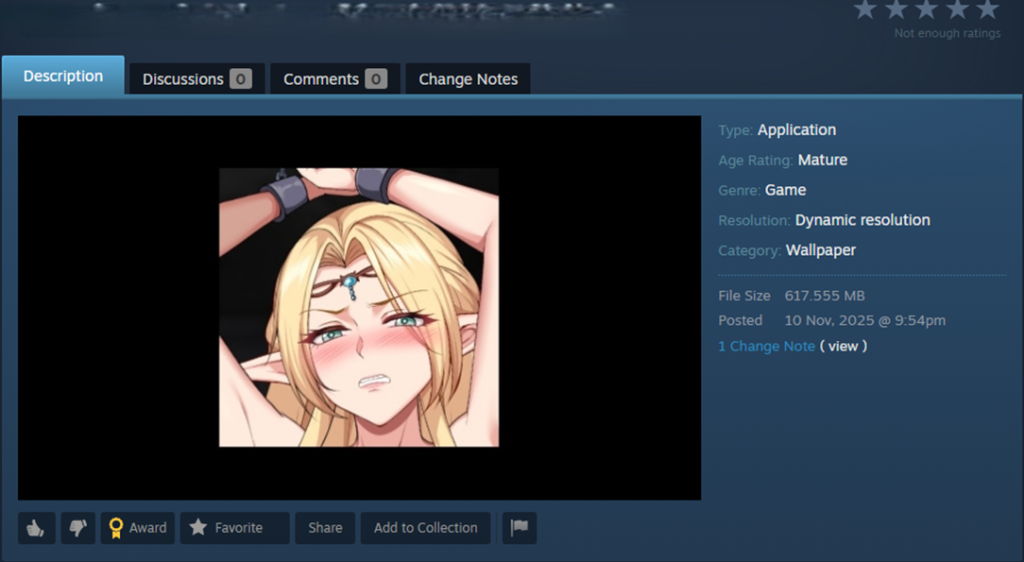
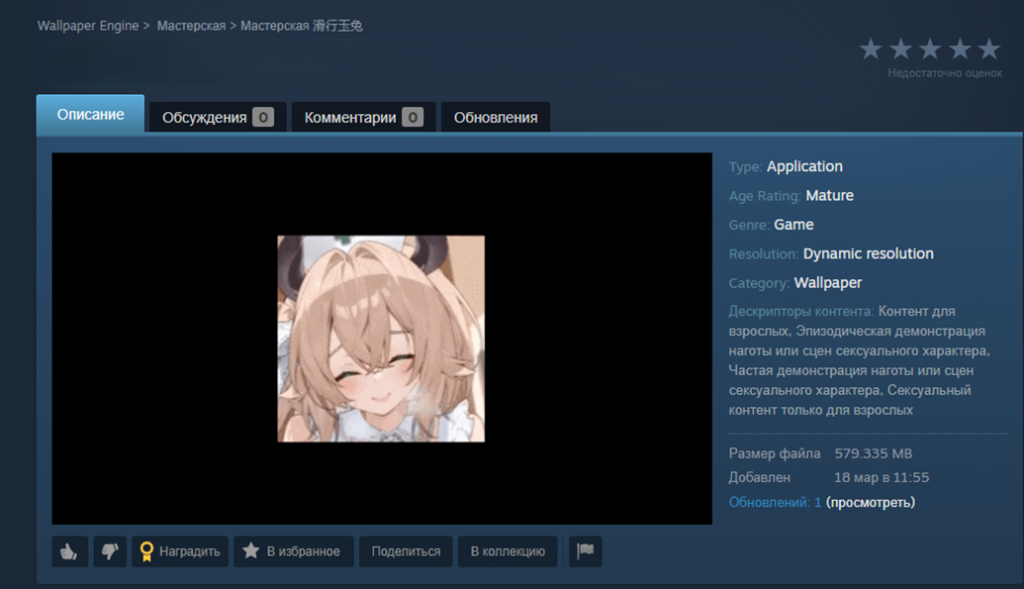
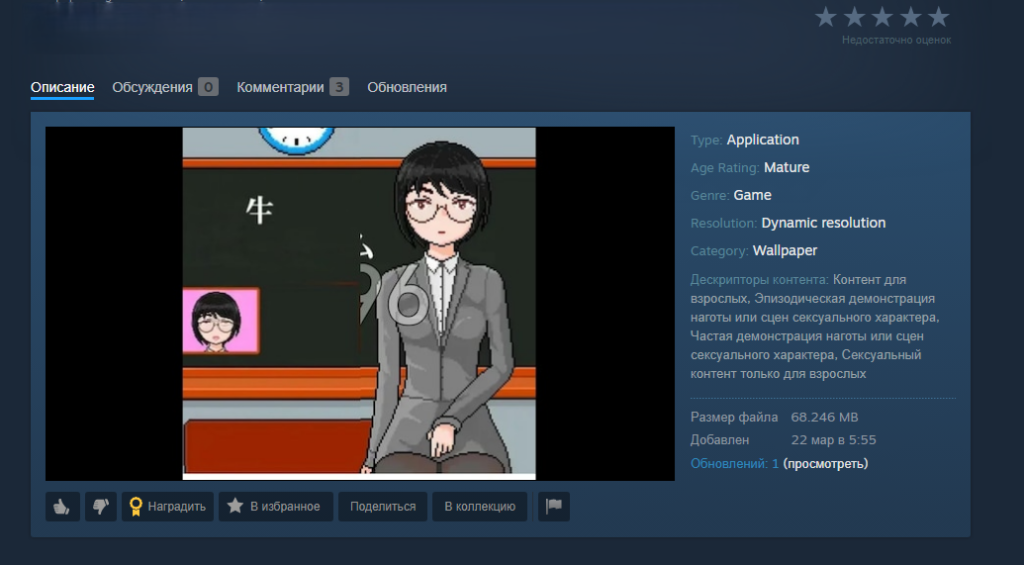
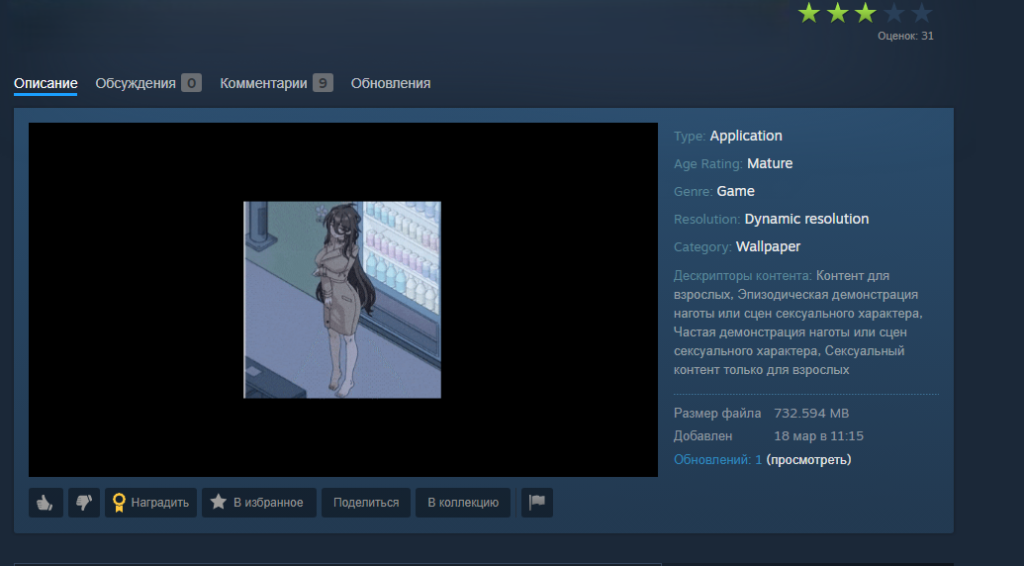
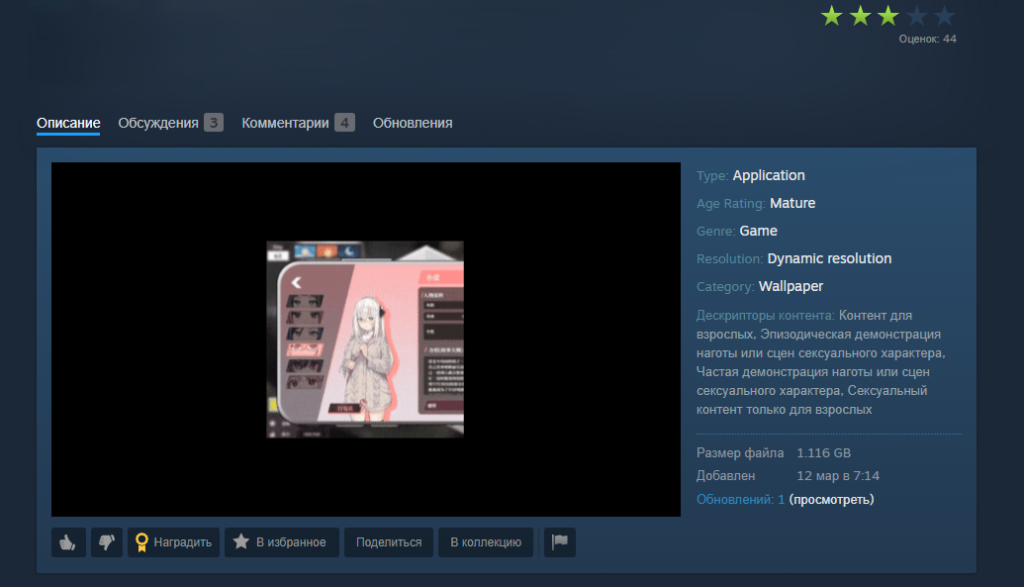
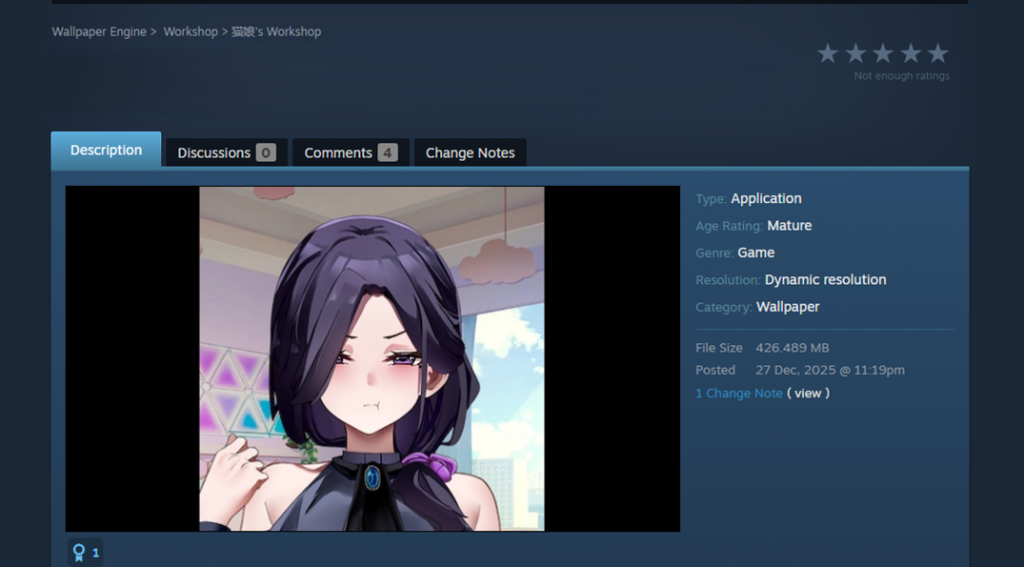
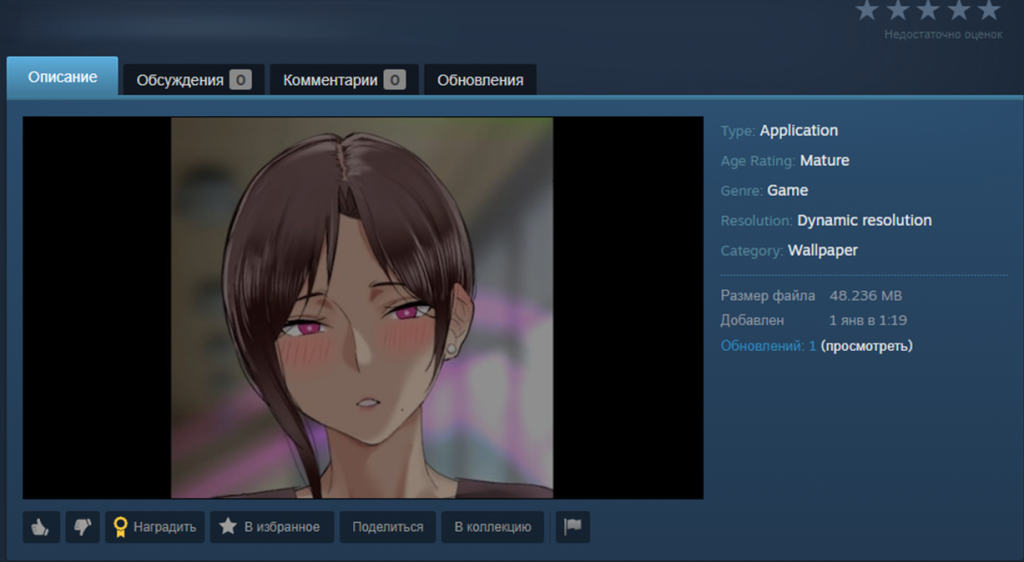
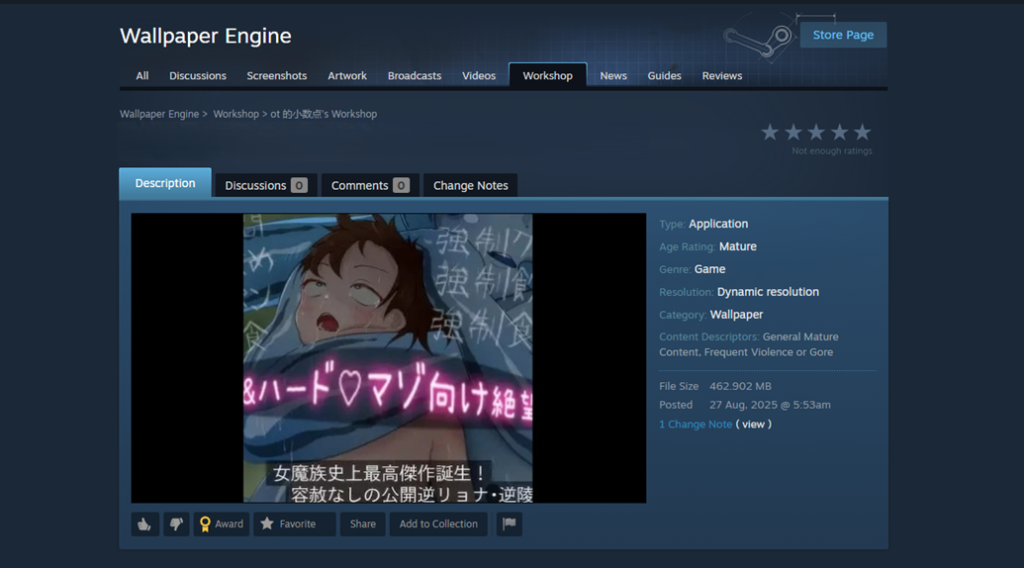
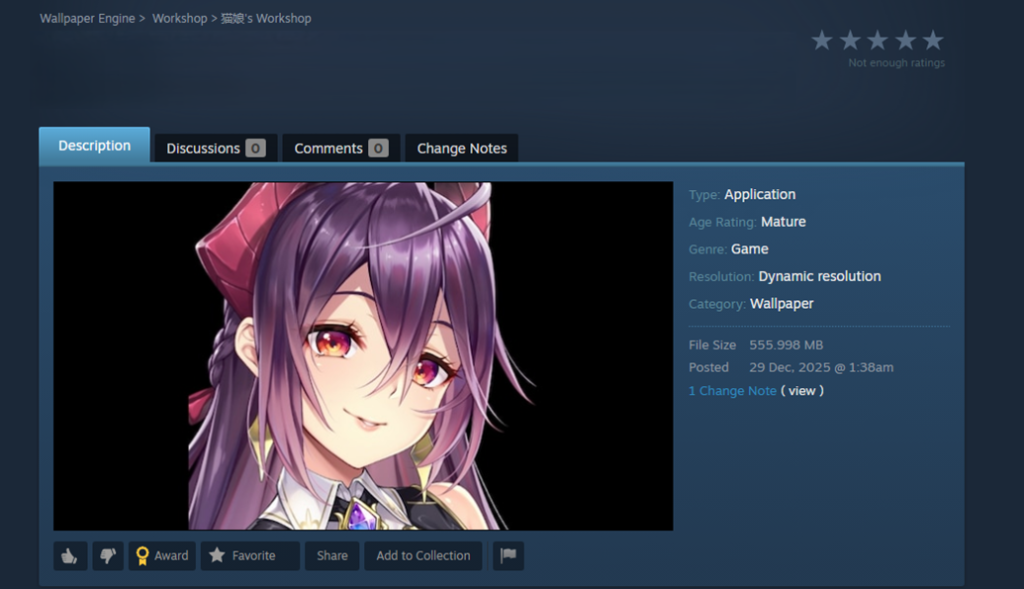
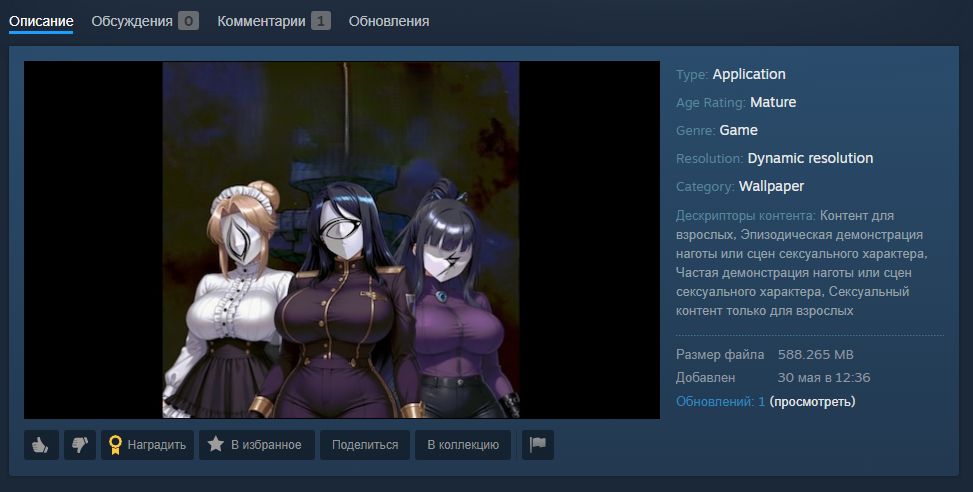
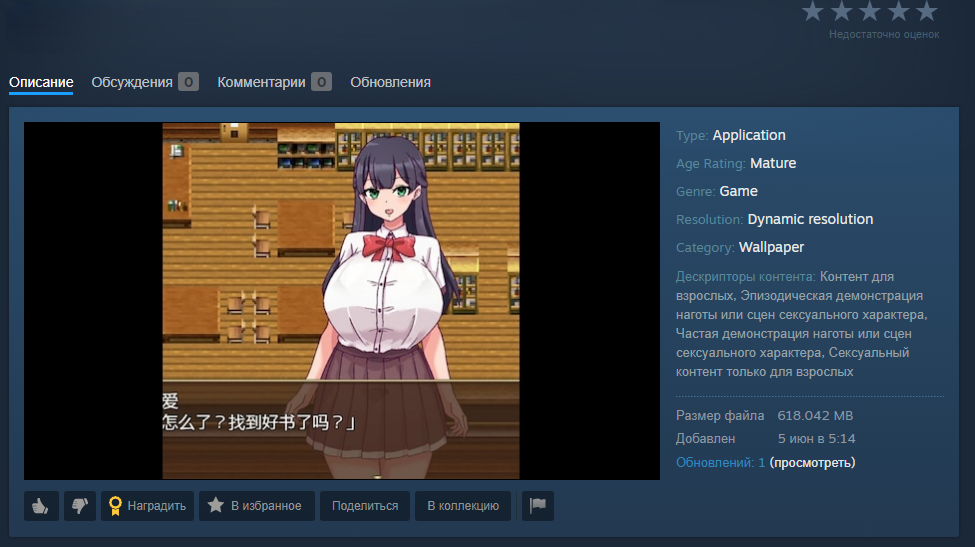
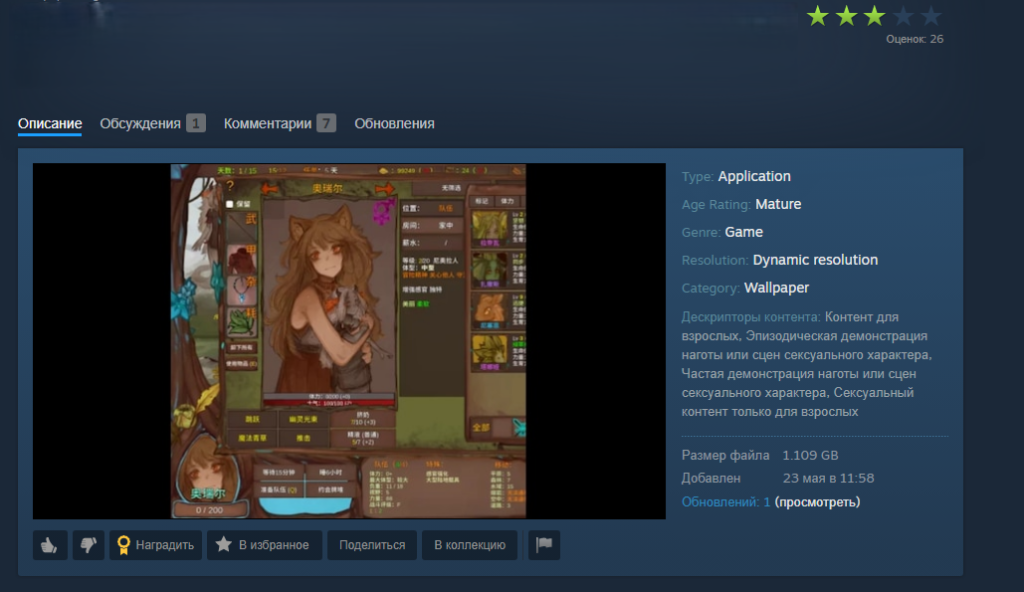
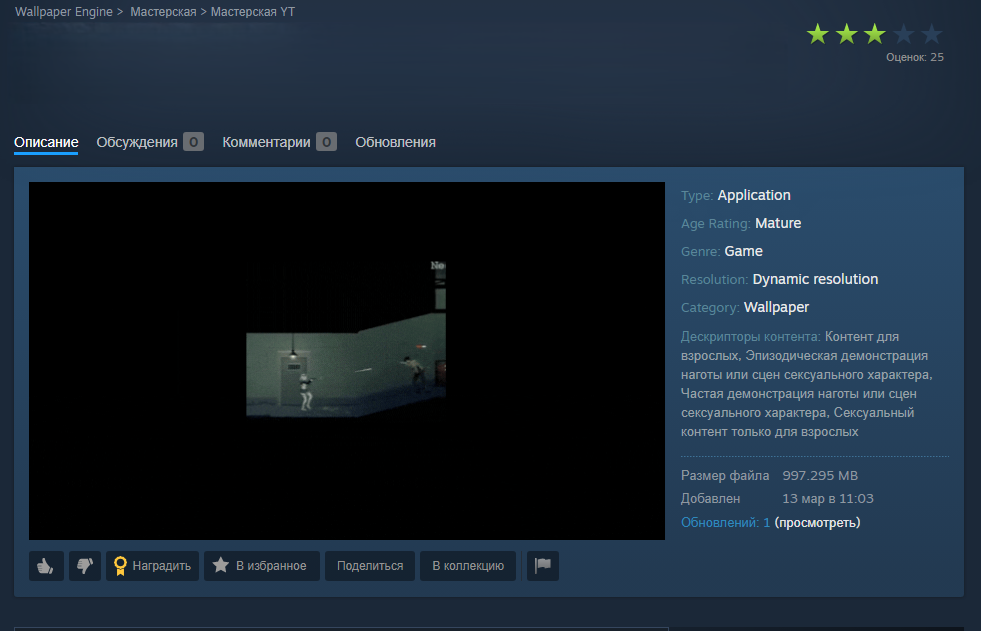
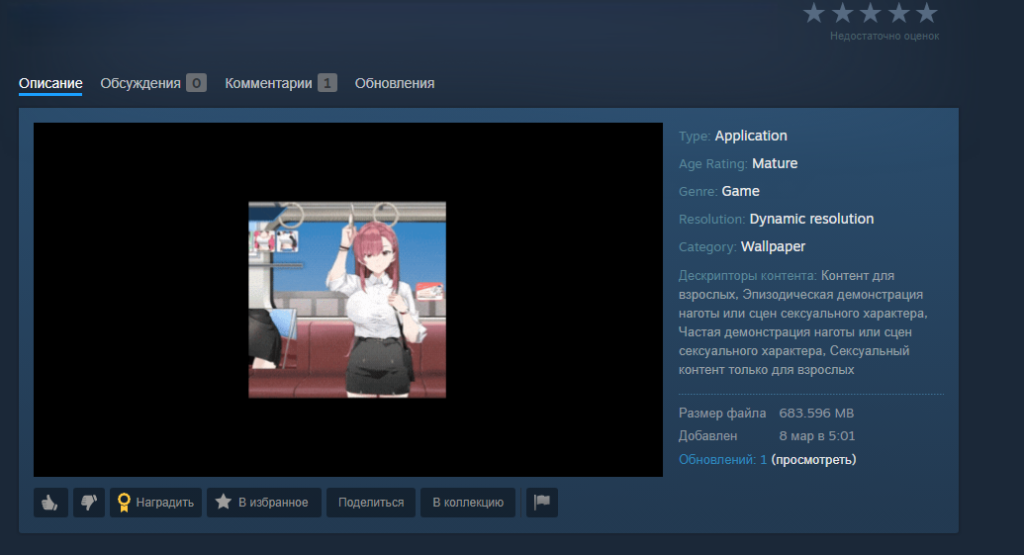
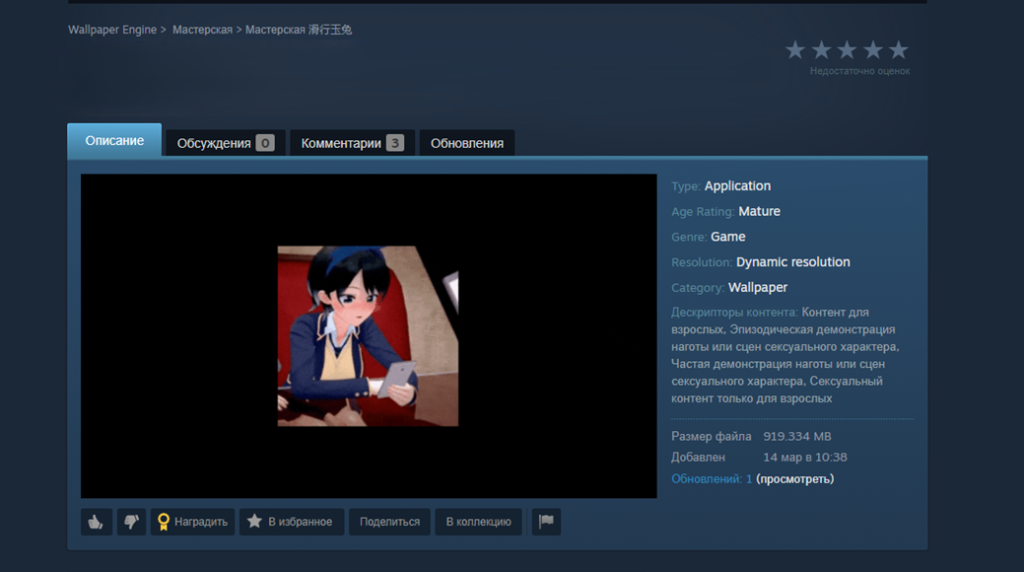
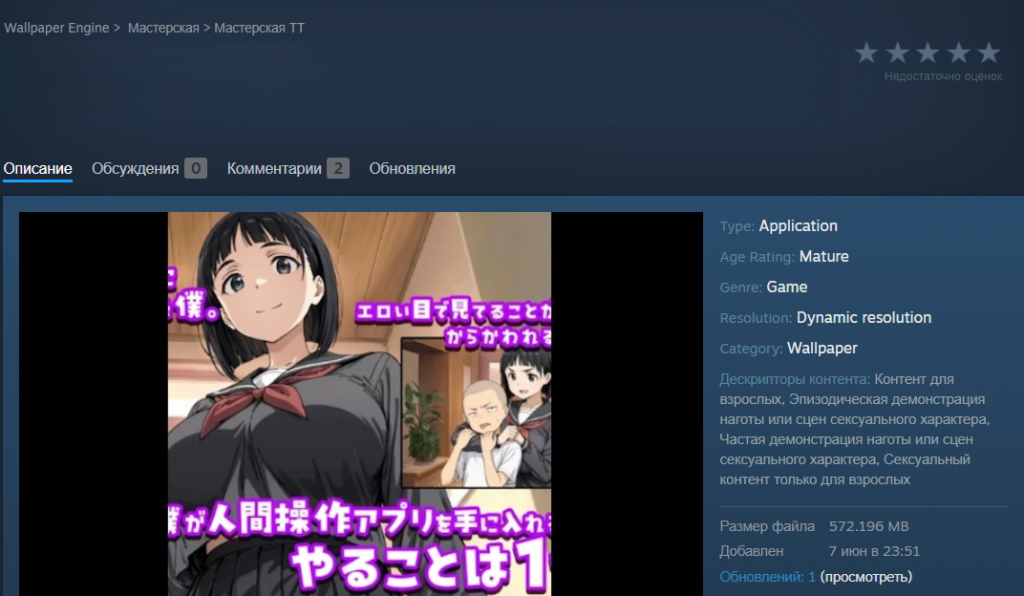
When we analyzed them, we caught two different methods the attackers were using to spread their malware:
- An archive containing the executable wallpaper alongside the malicious files. This payload usually consisted of compromised EXE files, DLLs, or malicious scripts.
- In other cases, attackers threw a curveball by hiding the malware inside a password-protected archive. Either the victim was tricked into typing the password, or a script handled it automatically. The attackers would hide the password in plain sight – either right in the archive’s name or inside a JSON configuration installed along with other wallpaper files. For all the other variations, the payload triggered automatically when the user selected and applied the wallpaper.
Inside an infected game wallpaper
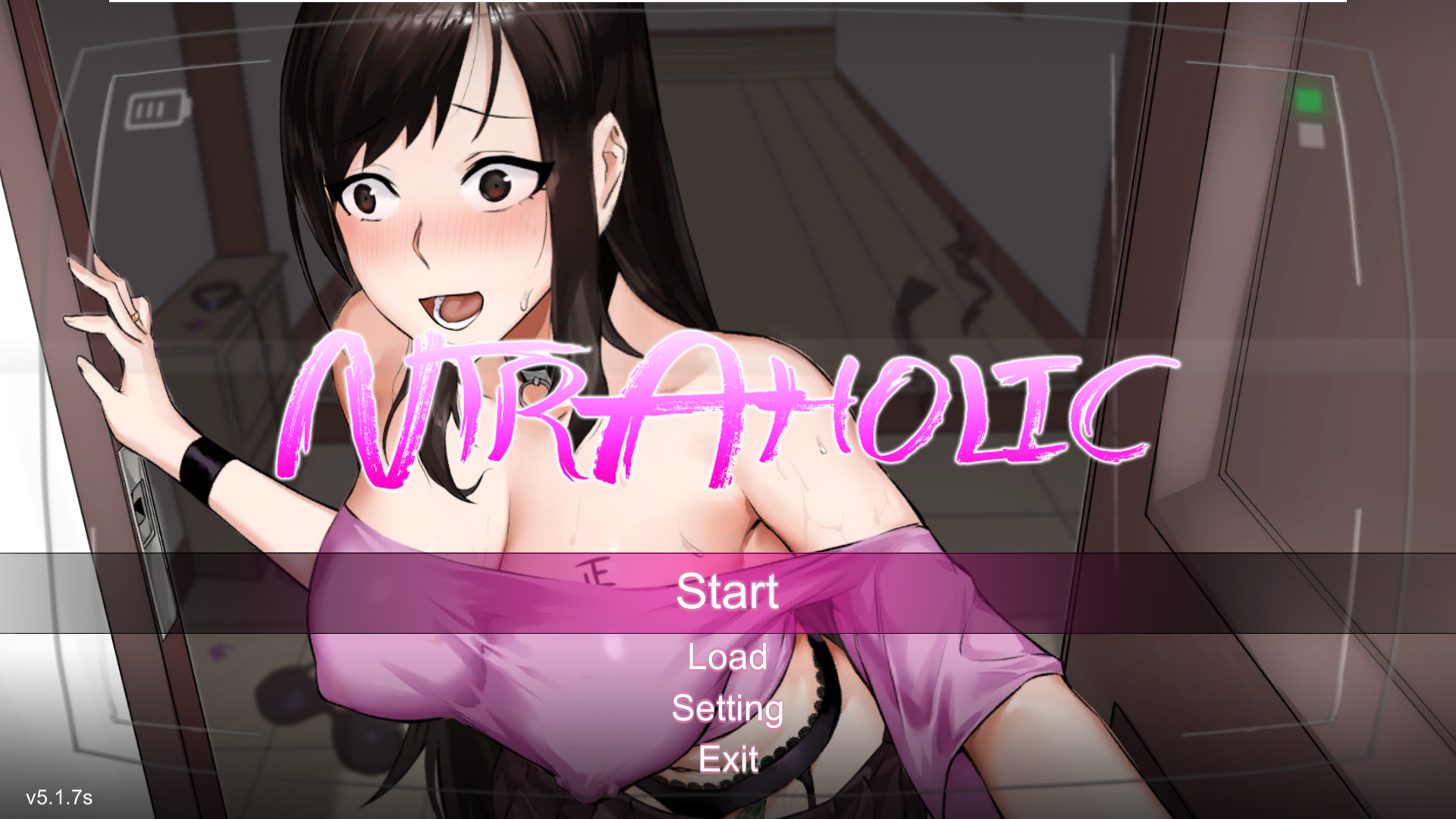
Main screen of the wallpaper application
On the surface, this wallpaper sample (above) we uncovered in December 2025 looks completely harmless. Once launched, there’s absolutely nothing to trigger your suspicion. The built-in game boots up flawlessly, runs smoothly, and the desktop controls work exactly as they should. But behind the scenes, a full-blown infection is underway. Within just a few minutes, a user might suddenly realize their Steam account has been hijacked, or find their computer crippled by malware, with their files being encrypted by ransomware or their system performance tanking because of a hidden crypto miner.
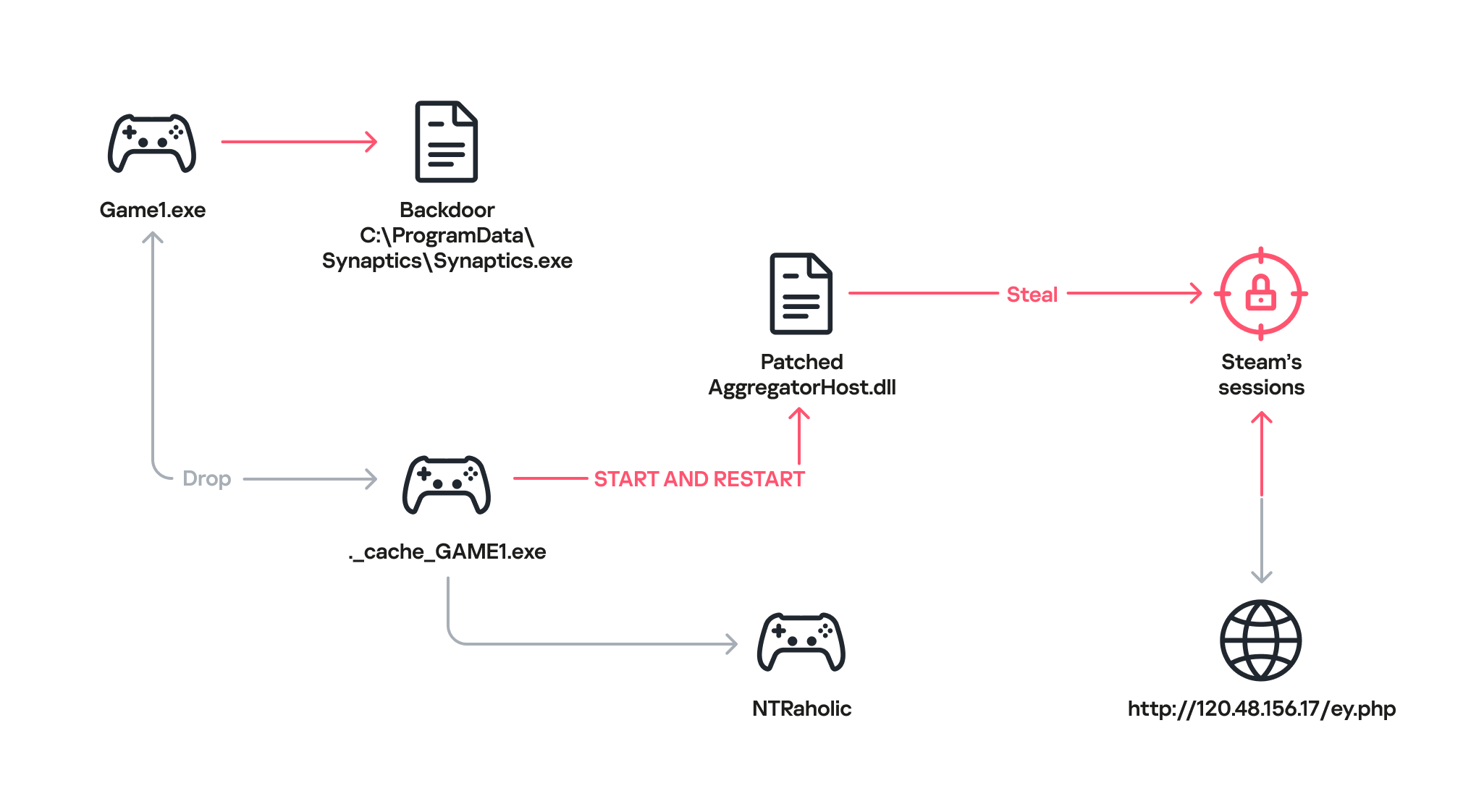
How the malware deploys
Once the game wallpaper launches, it drops a backdoor file called Synaptics.exe (part of the DarkKomet malware family) straight into the victim’s system. At the same time, an executable named ._cache_GAME1.exe fires up to boot the actual game, NTRaholic.
But that ._cache_GAME1.exe module is doing double duty. It simultaneously installs a custom version of a system library called AggregatorHost.dll with a payload inside. This modified library has one main objective: track down the Steam app on the computer and hunt for account credentials.
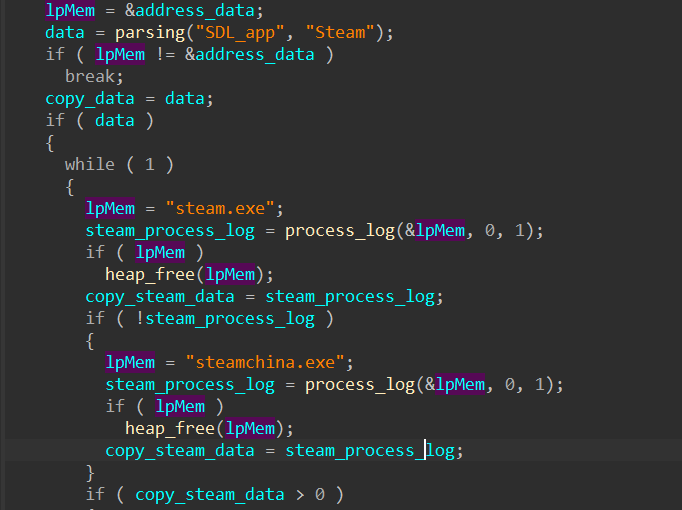
Looking for the Steam app
Next, the modified library hijacks the user’s live Steam session.
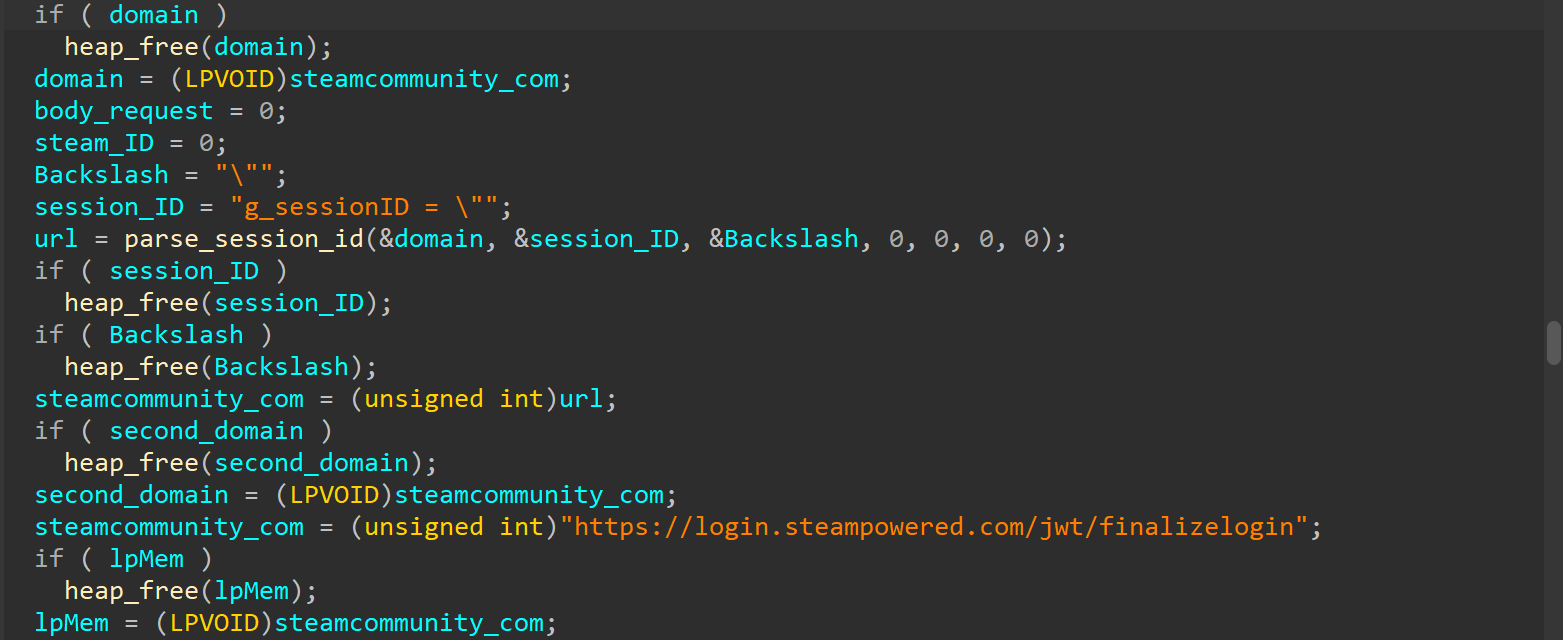
Hijacking the Steam session
After that, the compromised AggregatorHost.dll sends all the collected data to a server controlled by the hackers at hxxp://120.48.156[.]17/ey.php. Once the attackers have control of that active session, they can use the victim’s account to upload even more malicious wallpapers to Steam Workshop.
Attribution and victims
The game wallpaper described above is just one flavor of the many variations we uncovered during our research. By weaponizing the application wallpaper feature, bad actors have successfully distributed almost every type of malware under the sun – from popular infostealers and backdoors to crypto miners and botnet loaders.
Because the range of tools being used is so diverse, we suspect this isn’t the work of a single mastermind. Instead, it looks like multiple scattered, independent hacking groups are all jumping on the same trend. Right now, the primary targets are gamers in China. The wallpaper art styles and titles are tailored specifically to them, and the data backs it up: our security systems caught a staggering 89% of the malicious download attempts happening right there. That said, there’s absolutely nothing stopping these attackers from pivoting and launching a similar campaign in any other part of the world. Russia comes in second place for total downloads at 5.5%, followed by a smattering of other countries and territories: Singapore (1.4%), Hong Kong (0.9%), Germany (0.9%), Vietnam (0.9%), India (0.5%), and Canada (0.5%).
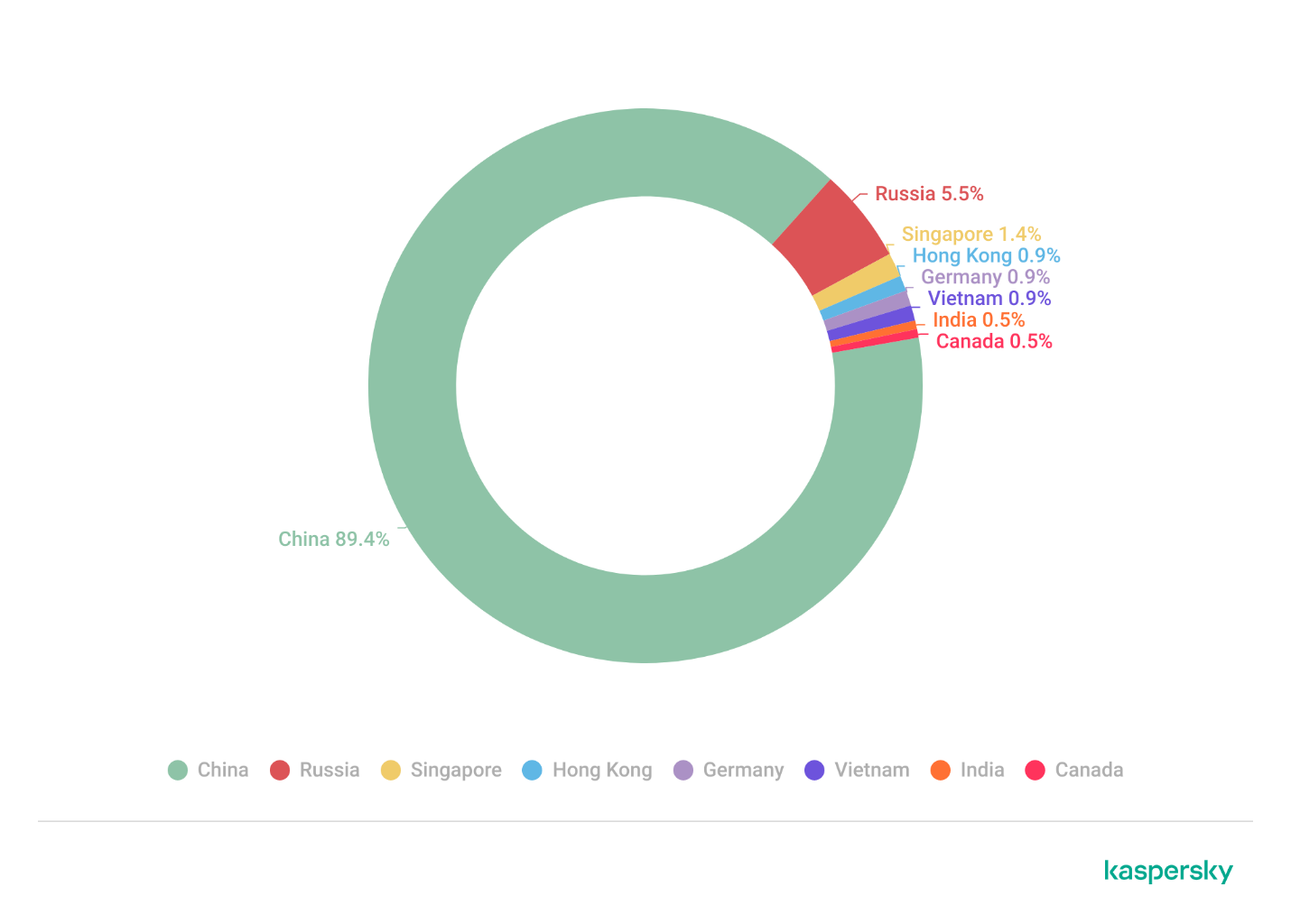
Malicious app wallpaper downloads by region
How to stay safe
Our investigation proves that even trusted platforms like the Steam Workshop aren’t completely safe from malware. In most cases, we caught old, familiar threats such as DarkKomet, the Lumma and Vidar infostealers, and the RenEngine loader. Kaspersky solutions can easily spot and block all of these payloads, no matter how clever the packaging is, thanks to our proactive security layers. Here are some of the specific threat detection verdicts assigned to the objects we discovered during our research:
- HEUR:Trojan-PSW.Win32.gen
- HEUR:Trojan-PSW.Win32.Python.gen
- HEUR:Backdoor.Win32.DarkKomet
- Trojan-Dropper.Python.Agent
- HEUR:Trojan-Ransom.Win32.Gen.gen
- PDM:Trojan.Win32.Generic.
By the time this post went live, the Steam team had already scrubbed the identified malicious wallpapers and links from the platform. However, given how frequently new infected wallpapers keep popping up on the Steam Workshop, you shouldn’t rely on Steam to catch everything. It’s highly recommended to run an antivirus scan on these types of wallpapers before you actually apply them.
Indicators of compromise
MD5
- 95856f2ce428c728d9781d3296558068
- af080780cca2acd1d082ce01e7cc346a
- c133c3dd9f7d6934598025047df41abf
- d1693bbff456ae8fa3360446706df6da
- 8c2cc585ad8a13a72a704c0fda0c9854
- b9fa763a53da3eea742d0f3c845a8c09
- ded08ae5df7f1b12e5fdb767dbbed0b1
- 20965254e29104986e11939decd39549
- 18dedc0009f0927cba6425c84cce9883
- 0f4f01c6d495abb37403072dd017ce8d
- 5620f01284329f561b1839a36be55355
- fe1f6485013cd5e6d5cf718049b0b8d6
- 74414ed4b63aadec039b603c32762b80
C2 servers
- http://202.144.192[.]29
- http://202.144.192[.]29/audit.php
- http://202.144.192[.]29/download2/Themes2.zip
- http://120.48.156[.]17
- http://120.48.156[.]17/ey.php?ka=user1&id
- http://brightly[.]to
- http://brightly[.]to/download2/Themes2.zip
- https://www.dropbox[.]com/s/zhp1b06imehwylq/Synaptics.rar?dl=1
- https://docs.google[.]com/uc?id=0BxsMXGfPIZfSVzUyaHFYVkQxeFk&export=download
Malicious wallpapers
- https://steamcommunity[.]com/sharedfiles/filedetails/?id=3603213159
- https://steamcommunity[.]com/sharedfiles/filedetails/?id=3591930233
- https://steamcommunity[.]com/sharedfiles/filedetails/?id=3584318845
- https://steamcommunity[.]com/sharedfiles/filedetails/?id=3436875036
- https://steamcommunity[.]com/sharedfiles/filedetails/?id=3633494498
- https://steamcommunity[.]com/sharedfiles/filedetails/?id=3556591375
- https://steamcommunity[.]com/sharedfiles/filedetails/?id=3635875825
- https://steamcommunity[.]com/sharedfiles/filedetails/?id=3601924072
- https://steamcommunity[.]com/sharedfiles/filedetails/?id=3605588743
- https://steamcommunity[.]com/sharedfiles/filedetails/?id=3553253793
- https://steamcommunity[.]com/sharedfiles/filedetails/?id=3462675635
- https://steamcommunity[.]com/sharedfiles/filedetails/?id=3605621824
- https://steamcommunity[.]com/sharedfiles/filedetails/?id=3610240788
- https://steamcommunity[.]com/sharedfiles/filedetails/?id=3610366547
Update, June 17
We have since confirmed that the malicious wallpapers were present in the app as early as August 2025.