
 Login



How to navigate the SIEM correlation rule set | Kaspersky official blog
In describing SIEM features, vendors almost invariably focus on numbers: how many correlation rules come out of the box, how many were added over the past year, and how many MITRE ATT&CK techniques they cover. Admittedly, these numbers matter. They do help gauge how effective a system is, and we share them from time to time too. But correlation rules aren’t a magic amulet, and having more of them doesn’t make a SIEM more effective. In fact, the total number of available rules says more about the variety of use cases the system supports. The question a hands-on SIEM analyst cares about first of all is different: which of these rules will actually work and be useful at my company? The answer is far from always obvious, and the reason isn’t even rule quality.
How correlation rules work
A rule first and foremost describes the logic: what to match against what, in what order, and within what time window. It also specifies particular event types from particular sources. For example, a rule for Active Directory group creation waits for events from the Windows Security log; a rule for suspicious network activity — DNS queries; a rule for process manipulation — triggers on events from endpoint telemetry. In other words, whether a rule works depends on whether the SIEM receives the right data in the first place.
The Active Directory rule above would be completely pointless at a company that avoids Windows on principle. It would load without errors, show up in the interface, and technically “exist” — but it would never fire. The reason is simple: the events it was built for never reach the system.
That dictates the only correct order of steps when setting up an SIEM. Don’t start out from the list of rules and then work your way toward your infrastructure. Go the other way around: first pin down which event sources are actually connected and feeding data into the SIEM, and only then see which rules will work on that data. Doing it the other way around leads to one of two outcomes: unmet expectations (hundreds of rules, almost no detections), or a laborious rule-by-rule manual slog, where the analyst opens every rule’s description, checks its event requirements, and decides whether the rule is worth using.
What the MITRE ATT&CK coverage percentage means
MITRE ATT&CK coverage is much the same story: it’s often used without a second thought as a yardstick for product effectiveness. The catch is that these are numbers in a vacuum, with no real-world conditions behind them. Coverage only makes sense for a specific set of working rules. And as we saw above, that set of rules depends on the set of event sources. That’s why the same SIEM will show different MITRE ATT&CK coverage at two different companies. Where Windows logs, endpoint telemetry, an email gateway, and network equipment are all connected, coverage will be noticeably broader than at a company with fewer sources.
Here’s the right way to read this metric: it’s not a score for the SIEM content, but a map of what your SIEM can see with its current telemetry. A tactic with low coverage is a signal that detecting it requires data you don’t have yet. Framed this way, it becomes a clear argument for a management conversation. Not “we need one more event source”, but “this part of the matrix is currently invisible to us, and here’s what it takes to close the gap”.
What’s worth checking in your SIEM
To get the most out of a SIEM, it’s worth asking yourself a few questions — not just when deploying the system, but regularly:
- Is every connected event source being handled by rules? Infrastructure changes constantly: new systems appear and new integrations get connected. Every change like this is a reason to check again whether there are now rules you should enable.
- Do I know exactly which events are required for which rules? Sometimes a rule doesn’t fire not because a whole event source is missing, but because a single event type isn’t being collected: the audit policy simply isn’t set up to capture it. Fix that oversight as soon as possible.
- Do I understand my coverage in terms of MITRE ATT&CK? The point isn’t to produce good-looking reports. It’s to prioritize which event sources to add next: which ones will give the biggest gain in visibility?
But how can you answer these questions without spending ages digging into every rule description? We have a solution.
How we can help
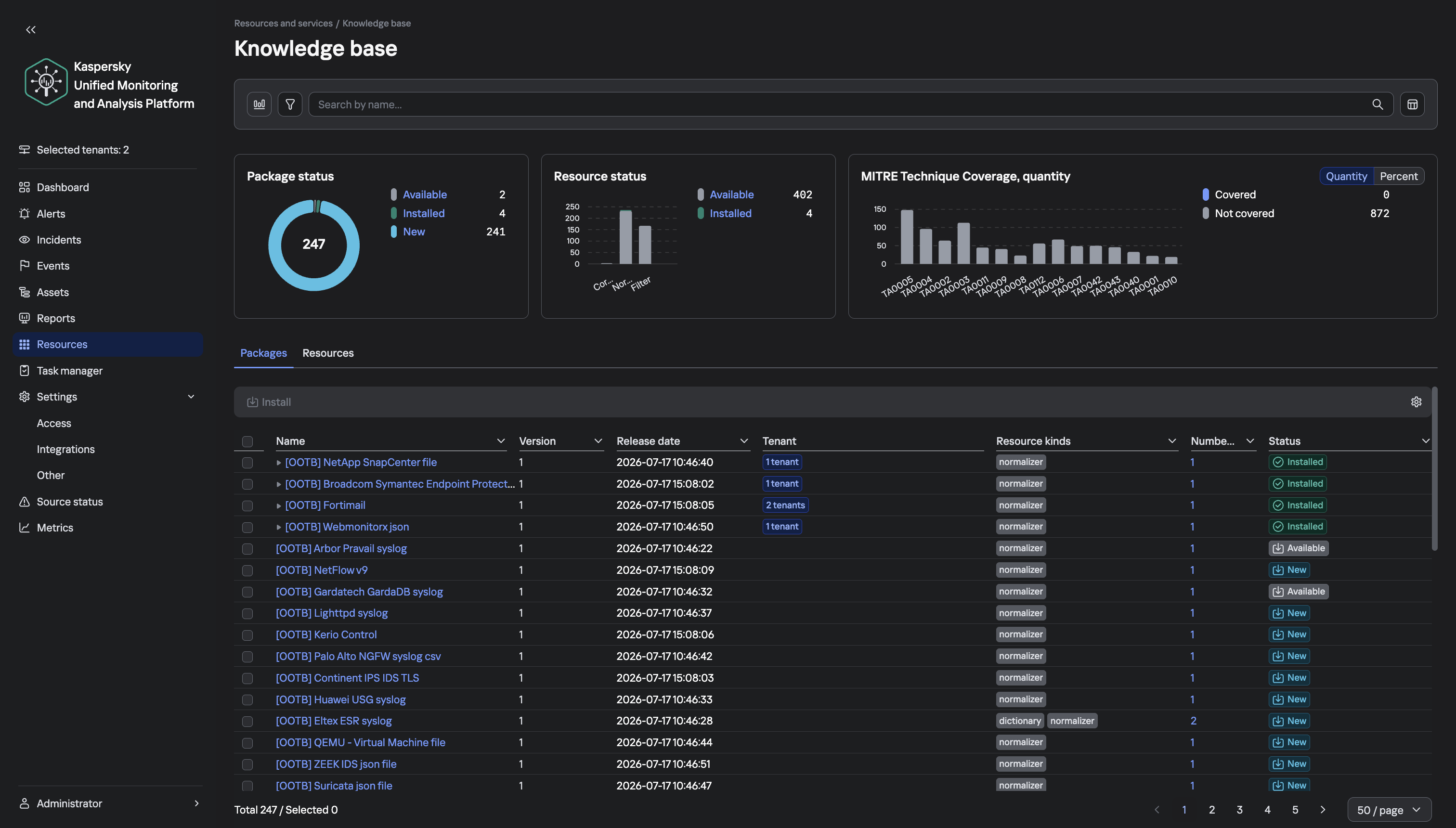
To help analysts find their way around the detection logic of our solution more easily, we’ve added a knowledge base section with the complete set of Kaspersky SIEM rules. In essence, it’s a tool that holds data from the official documentation for the SOC Package rule set, and makes it easy to work with that data. It has three sections:
Library. A table of all correlation rules that you can sort and filter per any column: category, MITRE tactic and technique, event source, and event type. Search works across all fields, including descriptions. Double-clicking a rule opens a card with detailed information about it.
Builder. A tool for assembling a rule set that suits the event sources you already have. The analyst just checks the boxes for the sources the company has, and gets a list of matching rules, brief statistics, and the event types that need to be set up for collection. The tool also generates a regular expression that you can paste into the search bar of the Kaspersky SIEM web interface to link all the matching rules to the correlator in a single step, with no manual picking.
MITRE. A view of the ATT&CK matrix where tactics expand into techniques and sub-techniques. Each matrix item has a card with the description from the MITRE website, and SOC Package coverage details. Covered and uncovered items are color-coded, and charts show coverage per tactic.
One more point worth stressing: the content in our SIEM is updated constantly, so it makes sense to check your setup against it not only at deployment, but after every notable change in your infrastructure. To follow the development of the Kaspersky Unified Monitoring and Analysis Platform, visit the official product page.

